
 Phone:

Best Cloud Disaster Recovery Services for 2026
A cloud outage can stop work even when your data still exists. Cloud disaster recovery services help bring key systems back online, but recovery speed and data loss depend on your plan. Here are seven named options and the workloads each may suit. We also explain what to check before relying on a recovery plan, alongside our overview of cloud backup and business continuity.
We analyzed 32 comments and questions from YouTube, Reddit and Quora about cloud disaster recovery services and found that 50% mentioned technical implementation details.
1. AWS Elastic Disaster Recovery: For AWS-centered recovery
AWS Elastic Disaster Recovery is a managed AWS service that replicates source servers to a staging area. It fits teams that want AWS as a recovery location for servers running in a data center, on another cloud, or in AWS itself.
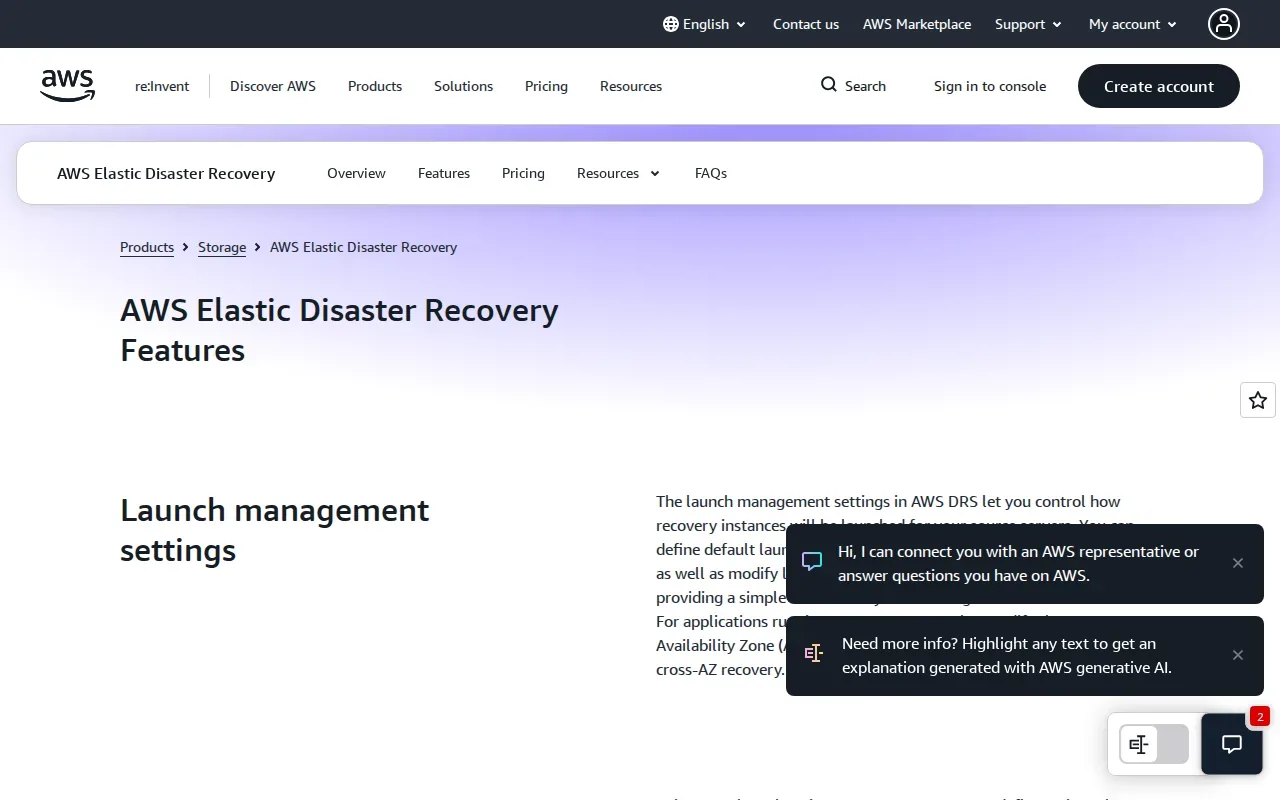
During normal operations, replicated servers stay in a staging setup rather than running as a full duplicate recovery site. You can launch the recovery environment for a drill or an actual outage, then fail back to the source environment when it is ready. You can also keep recovered applications on AWS and replicate them across AWS Regions or Availability Zones.
That distinction matters when comparing backup with disaster recovery. A backup is a saved point in time, useful for restoring lost or damaged data. Disaster recovery prepares a place to run applications after a larger outage. The two work together; one does not replace the other. Disaster recovery planning considers recovery point objectives and recovery time objectives. Actual results depend on the workload and tested setup.
AWS Elastic Disaster Recovery costs $0.028 per source server per hour. That rate is one part of the cost. Include the recovery resources used during tests or failover, plus the cost of data transfer and ongoing operations, in your own estimate.
The service also supports non-disruptive drills and recovery from an earlier point in time. Those checks help teams verify that a recovery server starts and that the data point selected is suitable. If AWS is already central to your environment, this service gives you a direct route to an AWS recovery site.
2. Azure Site Recovery by Microsoft: For Azure and supported on-premises workloads
Azure Site Recovery by Microsoft replicates Azure virtual machines and supported on-premises workloads. It suits teams that use Azure as a recovery location or need to protect supported on-premises systems through Azure.
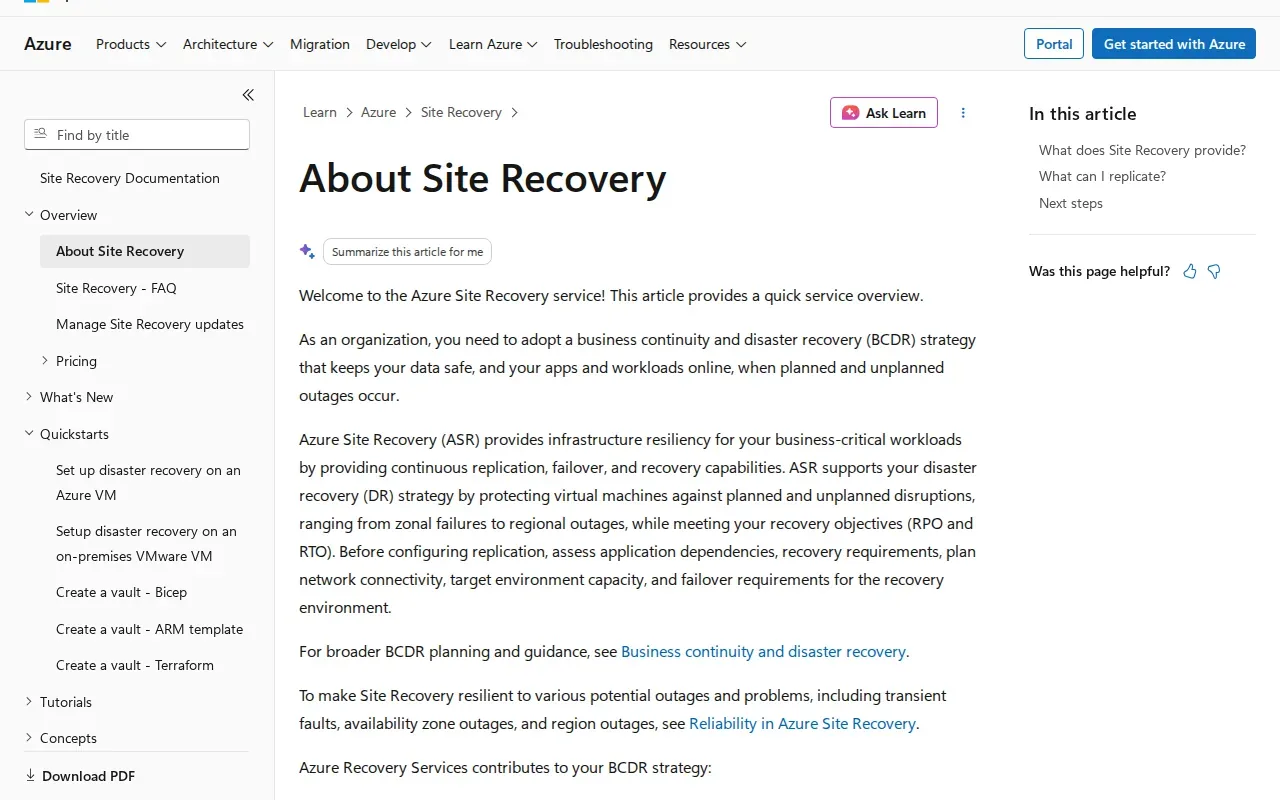
Its automation includes automatic recovery, one-click failover, and automated failover testing. These functions can reduce hands-on work during a planned drill or a declared outage. Still, a button cannot decide which systems your business should recover first. The team needs to set priorities, confirm dependencies, and assign someone to approve recovery.
Each protected instance is free for the first 31 days. After that, replication to a customer-owned site is $16 per instance per month, while replication to Azure is $25 per instance per month. Count protected instances before comparing the monthly cost with another design.
Geographic separation is a key design choice. A second site close to the primary site may share some of the same risks. For regional events, the recovery location needs enough distance to avoid the same disruption. The right location also depends on data residency needs and how staff will connect to recovered systems.
Before adopting a tool, write down the systems that must return first. Then check that the application, identity services, and network paths can work together after failover. Our business IT support plan checklist also covers why backup and recovery responsibilities belong in the support plan. Azure Site Recovery is worth assessing when Azure or supported on-premises workloads are central to your recovery design.
3. Commvault: For usage-based AWS disaster recovery
Commvault is a cloud disaster recovery option for teams seeking a fully managed, hardware-free platform for AWS and VMware workloads. Its primary cloud platform is AWS, making it a fit to assess when AWS is the recovery target and the team wants to avoid running a separate hardware recovery site.
Pricing is usage-based, so check Commvault’s current rates for your instance count before you build an estimate.
Hourly pricing can make the bill track usage, but it also means the plan needs a clear cost model. Estimate the number of instances that need protection. Then account for how long you expect recovery resources to run during a drill or outage. A service that looks inexpensive during normal operations may cost more when a large recovery environment runs.
Like any AWS-focused approach, the key question is whether your workloads and recovery tasks align with that cloud platform. Check which systems need to be available first and whether the people responsible for recovery can act on the plan. Don’t assume the word managed means every part of your incident response is handled for you.
Commvault covers AWS and VMware workloads, while its pricing is framed around AWS instances. That makes workload inventory essential. If your environment includes different platforms, confirm how each fits before you compare the total cost against a single-platform design.
For a team with AWS and VMware workloads, Commvault may be a candidate when usage-based billing and a hardware-free approach match the operating model. Keep your estimate tied to your actual instance count and recovery run time.
4. Acronis Disaster Recovery: For mixed physical and virtual environments
Acronis Disaster Recovery is aimed at mid-market teams with mixed physical and virtual environments. Acronis Disaster Recovery includes automated failover with runbooks.
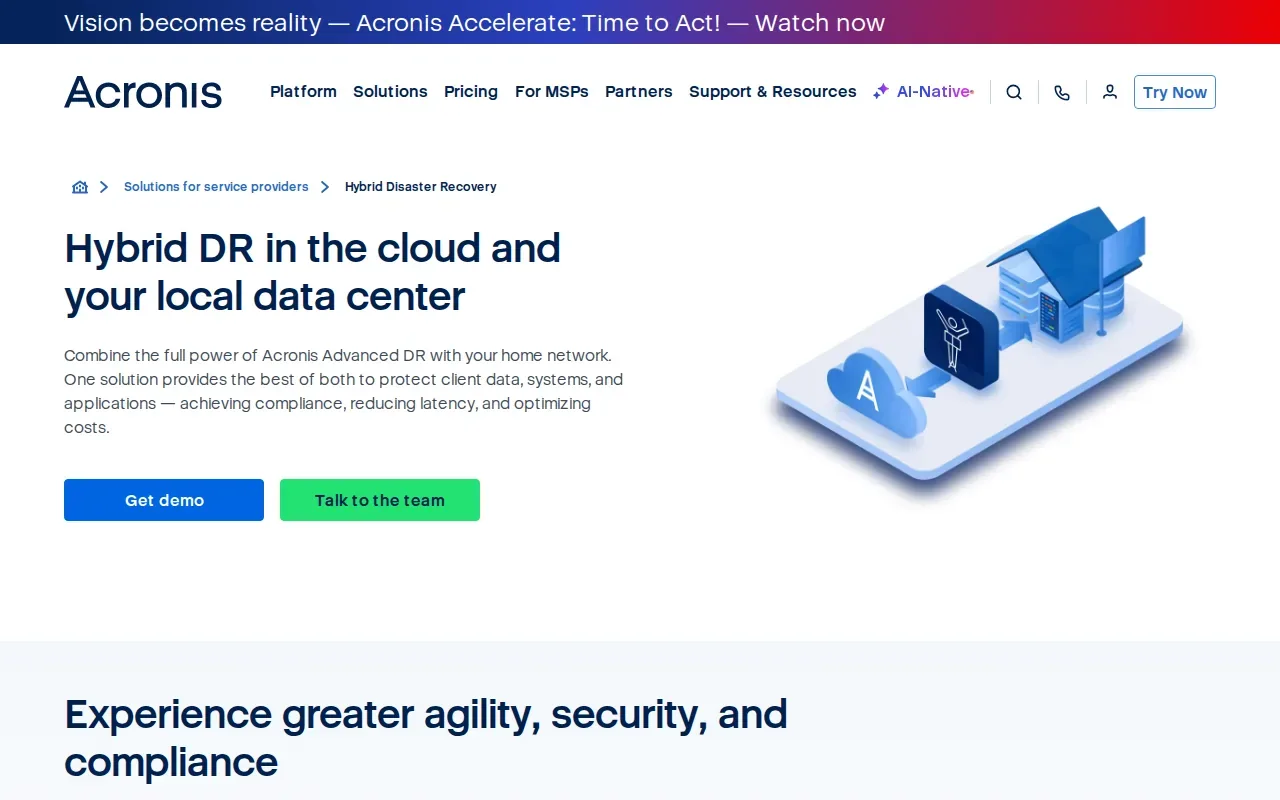
Recovery planning should account for dependencies between systems. A business application may rely on directory services or a database that must be available for the application to work. Teams can map those dependencies and update them after a major change.
Regular recovery testing can help a team check whether its plans work. Application and network checks can look beyond whether a server starts successfully. Teams should also consider how changed data will be returned to the original environment during recovery.
The recovery setup combines cloud compute, storage, networking, and disaster recovery software. This model can help a team prepare a recovery environment without maintaining a duplicate production site. But the cost depends on items such as recovery storage and active compute, and tests use compute resources too. Budget for the drills you plan to run, not only for a live incident.
For mixed environments, list each physical server and virtual machine that supports a critical service. Then note the systems each one depends on. A runbook is only useful if those links reflect the real setup and someone updates them after a major change.
AdvancedTechCo provides managed IT services for small and midsize businesses in New York, New Jersey, and Connecticut. We can help your team assess its support needs and recovery responsibilities before you choose a service. For an MSP or IT department that needs ordered recovery actions, Acronis’s runbook approach is the main fit to examine.
5. NAKIVO Site Recovery: For orchestrated, one-click failover
NAKIVO Site Recovery provides disaster recovery orchestration for virtual, cloud, and SaaS environments. NAKIVO Site Recovery is suited to SMBs and enterprises running VMware and Hyper-V, with one-click failover and automated workflow sequencing.
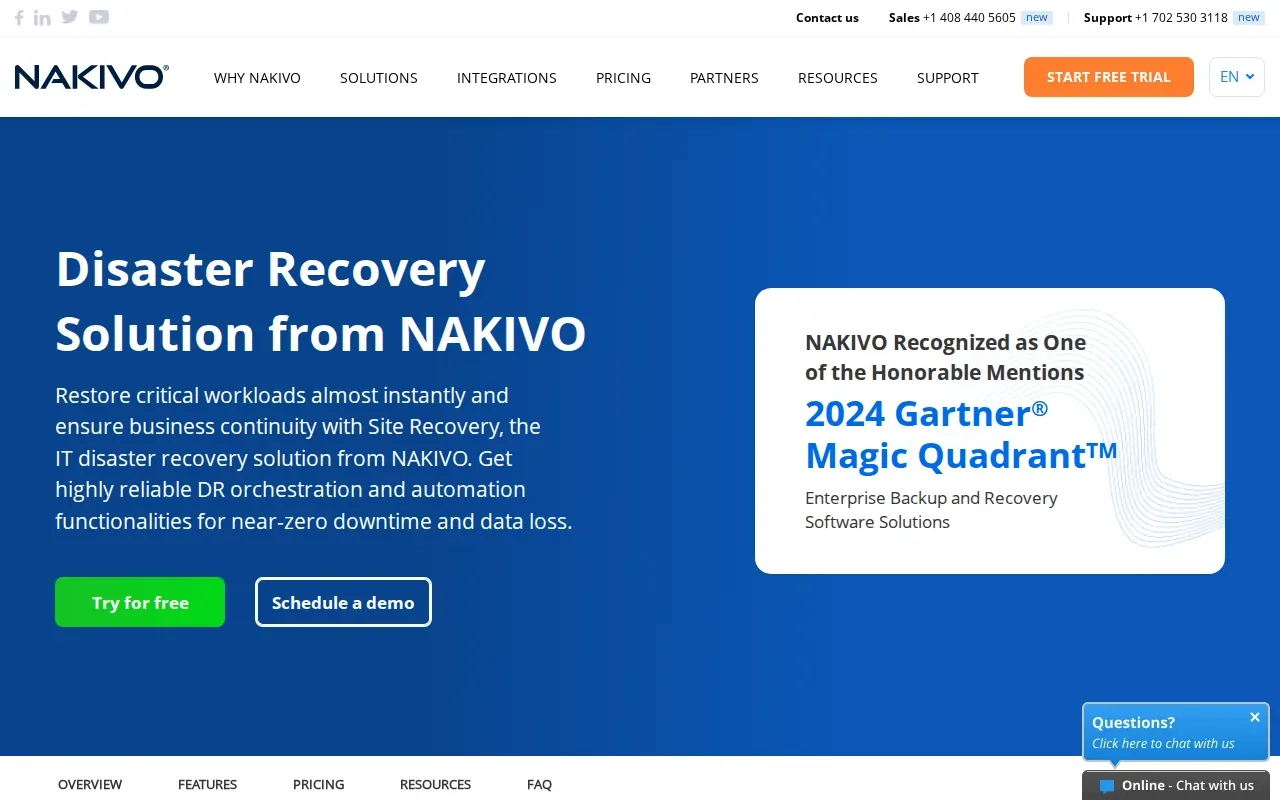
Workflow sequencing gives teams a way to define what happens first and what follows during recovery. That can help when several systems need to return in a set order rather than as separate manual tasks. One-click failover can start the planned process, but staff still need to choose when to declare a disaster and confirm that the recovered service works.
NAKIVO covers virtual, cloud, and SaaS environments, but that does not mean every workload will follow the same recovery path. Build a list of the systems that support daily work, then map the order they need to start. An email or file system may be important, but a line-of-business application may also rely on other services being available first.
Test the workflow in a safe setting before depending on it. A successful failover test should check more than whether a server powers on. Confirm that users can reach the application and that its key functions work. Record what failed, change the sequence, and test again after meaningful changes to the environment.
One-click recovery can help limit the number of manual actions during a stressful incident. It doesn’t remove the need for a named recovery lead, clear approval rules, or a tested plan for returning to normal operations. Those responsibilities should be written down alongside the technical workflow.
NAKIVO is a reasonable option to examine when VMware or Hyper-V workloads need a sequenced recovery process across virtual, cloud, or SaaS settings. Its fit depends on how well the plan matches your actual dependencies.
6. Veeam Disaster Recovery Orchestrator: For automated recovery plans
Veeam Disaster Recovery Orchestrator is designed for organizations that need documented, auditable disaster recovery plans. Veeam Disaster Recovery Orchestrator includes automated plan generation and one-click recovery for physical and cloud workloads.
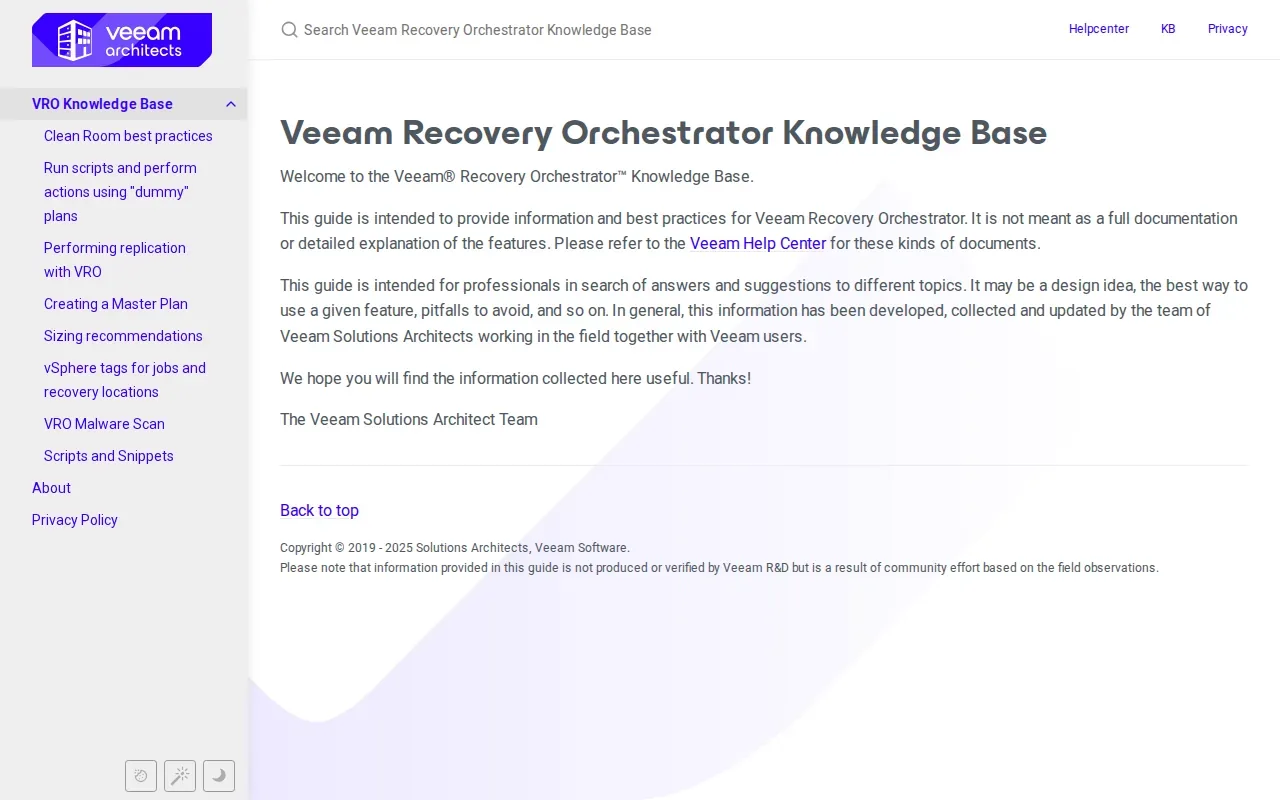
Written plans help a team understand who acts during an outage and what systems come first. Keeping a record of the exercise gives teams something to review instead of relying on memory.
Testing is where a plan proves its value. A rehearsal can reveal a dependency that was left out of the recovery order, or show that users can’t access a recovered system.
Automated plan generation and one-click recovery can reduce repeated manual tasks, but they don’t replace clear business decisions. The organization still needs to decide which services matter most, set acceptable recovery targets, and name the people allowed to approve a failover.
Consider Veeam when your team needs a documented plan. After each exercise, assign an owner to fix the gaps. A test report that nobody acts on won’t improve the next recovery.
7. Datto Endpoint Backup With Disaster Recovery: For MSP-managed endpoint recovery
Datto Endpoint Backup With Disaster Recovery is a direct-to-cloud backup and recovery service built for managed service providers. It suits MSPs protecting distributed or hybrid endpoints, including servers and PCs that may sit outside a central data center.
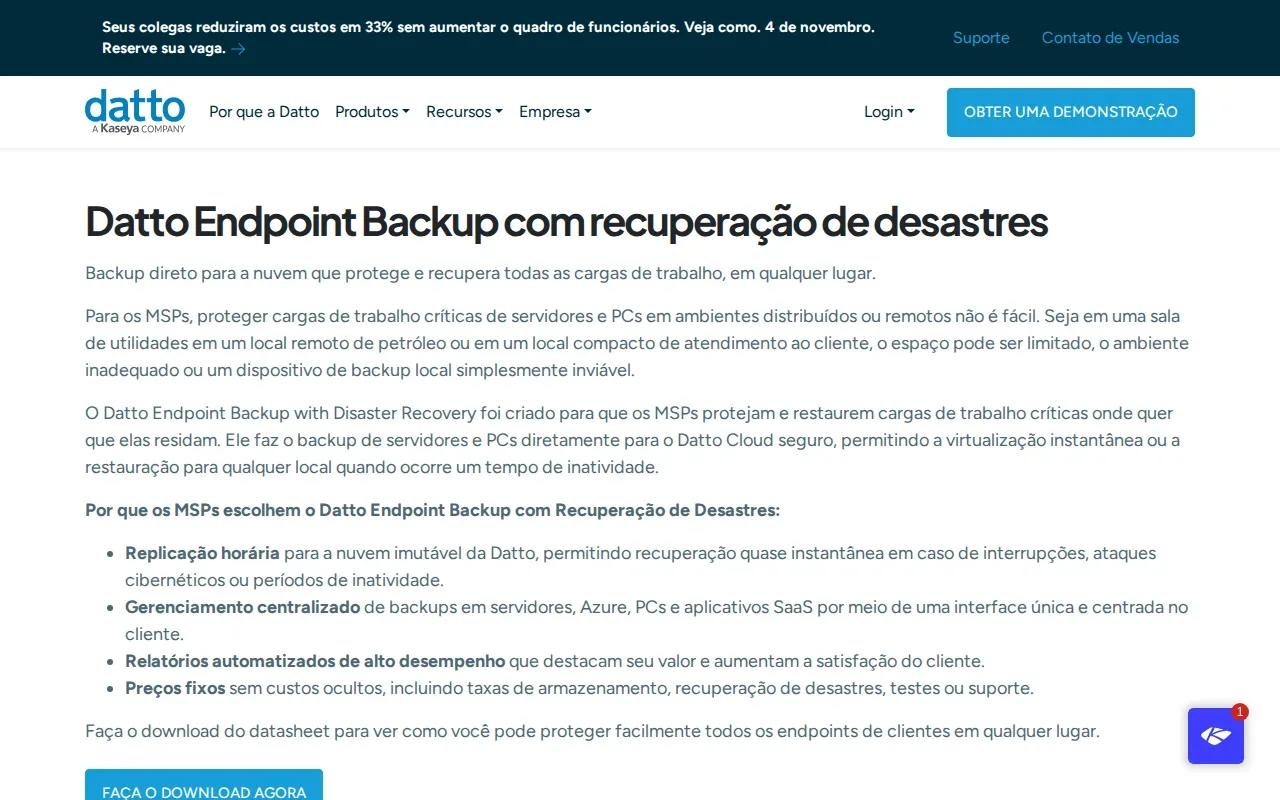
The service offers direct-to-cloud backup, instant cloud virtualization, and recovery to another location. The service is designed for environments where a local backup appliance may not fit, such as a small remote office. An MSP can use the cloud recovery environment to run a protected workload when the original site is unavailable.
Datto’s automation features include instant cloud virtualization and automated reporting. It also runs hourly backups and produces reports that MSPs can share with clients. For a small business owner, those reports can support regular conversations about what is protected and whether the backup process is running as expected.
Datto uses a flat-fee pricing model with no separate cloud storage, hosting, disaster recovery, or self-service testing fees. Compare that model with the number of endpoints you need to protect and the work your MSP will manage. The service’s fit is strongest when the MSP is part of the recovery process.
| Situation | Relevant service detail | What to confirm in your plan |
|---|---|---|
| Staff work across remote sites | Direct-to-cloud backup for distributed workloads | Which endpoints and servers are in scope? |
| A local appliance won’t fit | Cloud backup and recovery without deploying local backup hardware | Who starts recovery and checks user access? |
| You need a record for client reviews | Automated reports for MSPs | Who reviews the reports and resolves backup issues? |
Our IT partner information explains how we approach solutions that protect access to business data when primary infrastructure is unavailable. For MSP-managed endpoint recovery, Datto’s direct-to-cloud design is the central point to weigh.
Cloud Disaster Recovery Services: FAQs
What is cloud disaster recovery?
Cloud disaster recovery uses a cloud environment to help restore applications and IT services after a major outage. Depending on the setup, data may be replicated before an incident so systems can fail over to a recovery site. The plan should name the workloads to recover and who can start recovery.
What is the difference between backup and disaster recovery?
Backup saves copies of data that you can restore, while disaster recovery prepares systems to run after a major outage. A backup may be enough to recover a deleted file, but rebuilding a production application from backup can take longer. Most businesses need both, with different plans for data restoration and service recovery.
What do RPO and RTO mean in disaster recovery?
RPO, or recovery point objective, is the maximum age of the data a business can accept after recovery. RTO, or recovery time objective, is the longest acceptable time an application can remain unavailable. Set both for each important workload, then test whether the recovery plan can meet those targets.
How often should a disaster recovery plan be tested?
Test the plan on a schedule that fits your business needs, and repeat a test after major changes to applications or infrastructure. A drill should check whether systems start and whether users can access the services they need. Record the results, assign fixes, and test again when those fixes are in place.
How do I choose a cloud recovery service?
Start with the workloads you must restore first, the cloud or platforms they run on, and the downtime and data loss you can accept. Compare how each service handles failover, testing, and failback. Then estimate ongoing replication costs alongside the cost of recovery resources during drills or an outage.
Conclusion
Choose a service that fits your workloads and lets your team rehearse recovery before an outage. Start by listing critical systems, their dependencies, and acceptable downtime. AdvancedTechCo can help small and midsize businesses in the Northeast review IT support and recovery planning, so your team can focus on your business with greater peace of mind. Visit our IT consulting overview to see how we support business technology decisions.

0 comment