
 Phone:

Best Endpoint Security Services for Small Businesses
A stolen login or unsafe file can turn one work laptop into a doorway to your business network. Endpoint security services help protect the computers and other devices connected to that network. Here are six options, starting with AdvancedTechCo for small and midsize businesses in New York, New Jersey, and Connecticut.
1. AdvancedTechCo
AdvancedTechCo provides managed IT and security services for small and midsize businesses in New York, New Jersey, and Connecticut. Its managed security work includes endpoint protection, threat detection, and response, alongside IT management and helpdesk support.
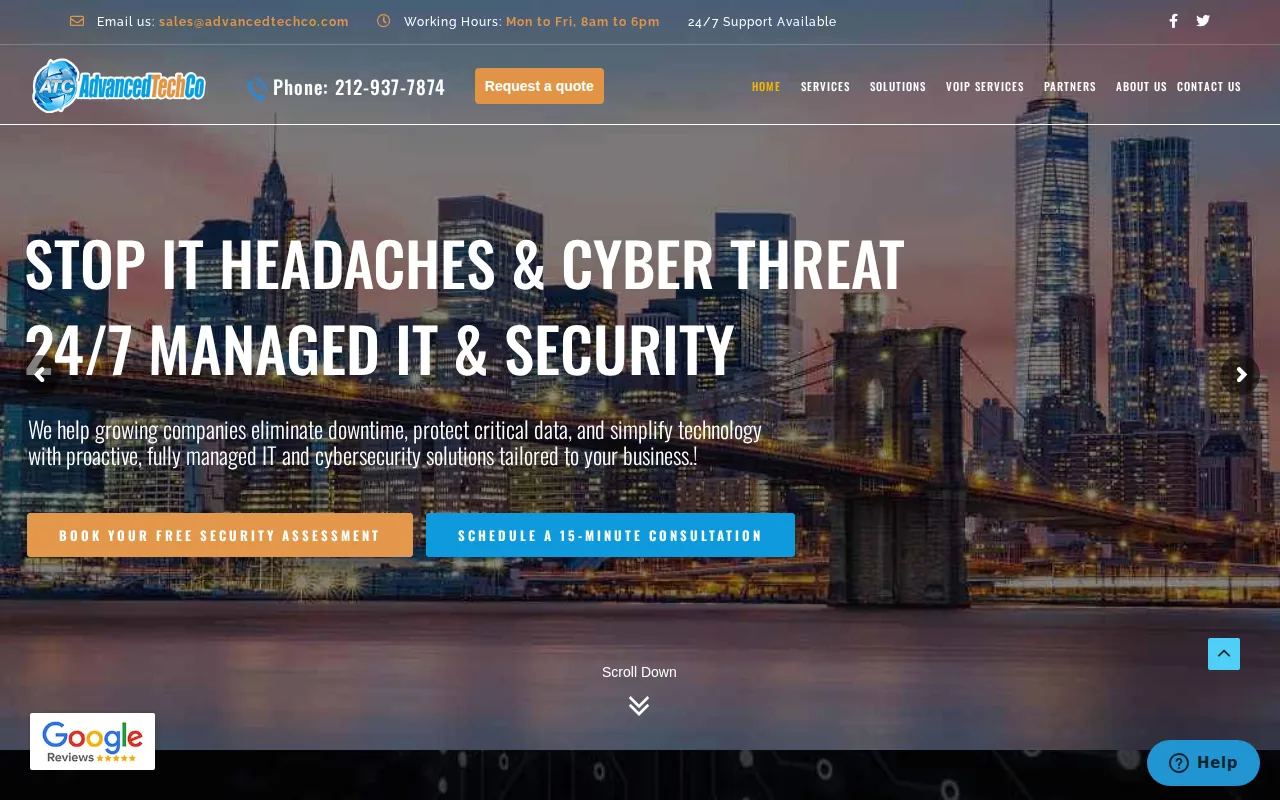
This may suit a business that wants a local team to handle day-to-day IT needs as well as security tasks. For example, if an employee reports a suspicious file, your provider can help assess the issue and coordinate the next steps. AdvancedTechCo also provides 24/7 remote helpdesk support and onsite support.
Endpoint protection is one part of the wider work. A managed service can also help your team keep track of alerts and decide who owns follow-up. AdvancedTechCo’s managed detection and response support includes alert review and response assistance. That matters when you don’t have security staff watching alerts all day.
For context, an endpoint is a device that connects to a network, such as a laptop or phone. Endpoint security is the protection of those devices. In a small office, that can mean staff laptops. For a business with remote workers, it can also mean devices used away from the office.
AdvancedTechCo’s regional focus gives local businesses a clear reason to consider it. The service can also sit beside backup and disaster recovery planning, cloud migration, or VoIP support when those needs are part of the same IT relationship. We provide managed IT and security support so you can focus on your business and have more peace of mind.
2. FortiClient by Fortinet: Endpoint protection with Fabric integration
FortiClient by Fortinet includes endpoint management and a cloud-managed endpoint protection service with Security Fabric integration. FortiClient Cloud provides cloud-managed Advanced Endpoint Protection with Fabric Integration.
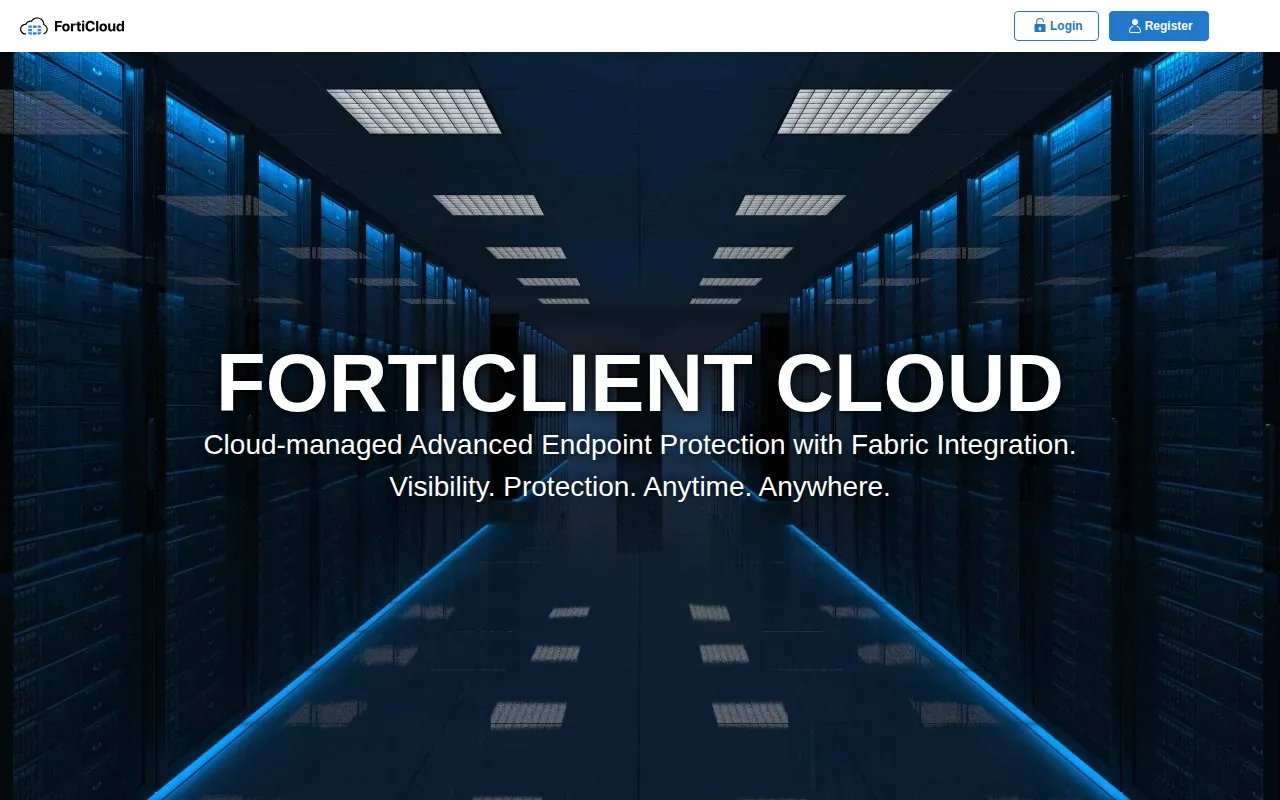
For a small team bringing many devices under management, confirm how setup and onboarding will work.
Monitoring is another part of the service. The team identifies high-risk endpoints and alerts customers to critical or high vulnerabilities that could make a device an easy target. It can report the findings and guide the customer through remediation. Regular endpoint security overview and vulnerability summary reports help keep those findings visible after initial setup.
This option may fit a business already planning to use the Fortinet Security Fabric, or one that wants help configuring and monitoring FortiClient agents. Before choosing it, ask how alerts move from the service team to your staff, who carries out fixes, and how those steps fit your current support process.
Remote work adds another question: how will the same controls apply when a laptop is outside the office? Our remote worker security recommendations cover why off-site devices need clear protection rules. Choose a service whose setup and alert process match the way your team actually works.
3. Iru: Endpoint security combined with device management and compliance
Iru brings endpoint security, device management, identity, and compliance together in one platform.
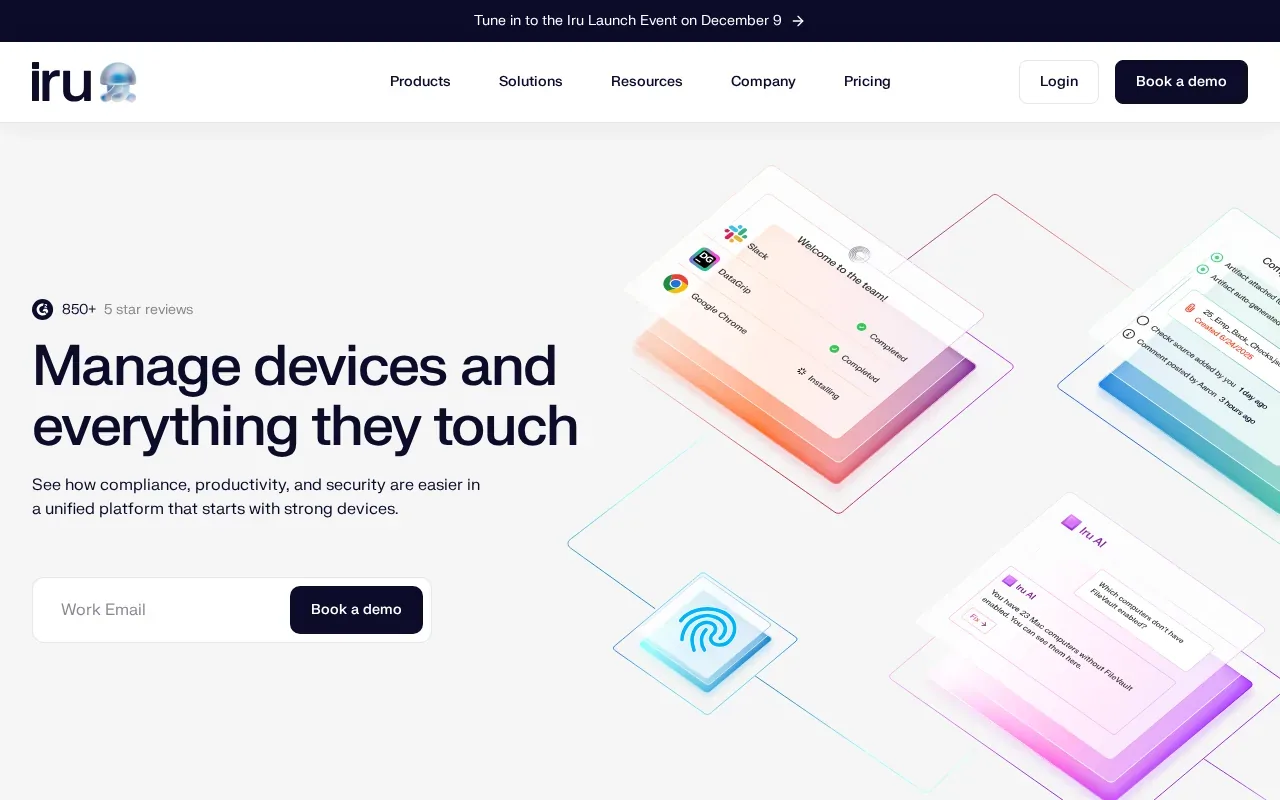
This may suit a business that wants device controls and security work handled in the same system. Iru supports Apple and Windows devices, with automation intended to keep teams productive as devices are prepared and managed.
When reviewing endpoint security services, ask how findings become defined tasks rather than leaving them buried in a report.
Iru also handles device setup. For Apple devices, it offers remote setup for new employees, plus templates with preconfigured security controls on devices. Those details may matter if your organization has repeat onboarding needs or wants a consistent device setup process.
There is a tradeoff to weigh: a platform that brings several device and security tasks together may change how your IT team assigns work across identity, compliance, and endpoint support. Ask which controls match your current policies and who will manage exceptions. Our overview of cybersecurity support for local small businesses can help frame that broader provider discussion.
If device policies and vulnerability fixes are high on your list, Iru gives those tasks a shared home. Check that the platform’s coverage fits the devices your staff already use.
4. SentinelOne Singularity: Automated endpoint detection and response
SentinelOne Singularity is an endpoint detection and response option built for organizations that want security to act fast without waiting for humans.
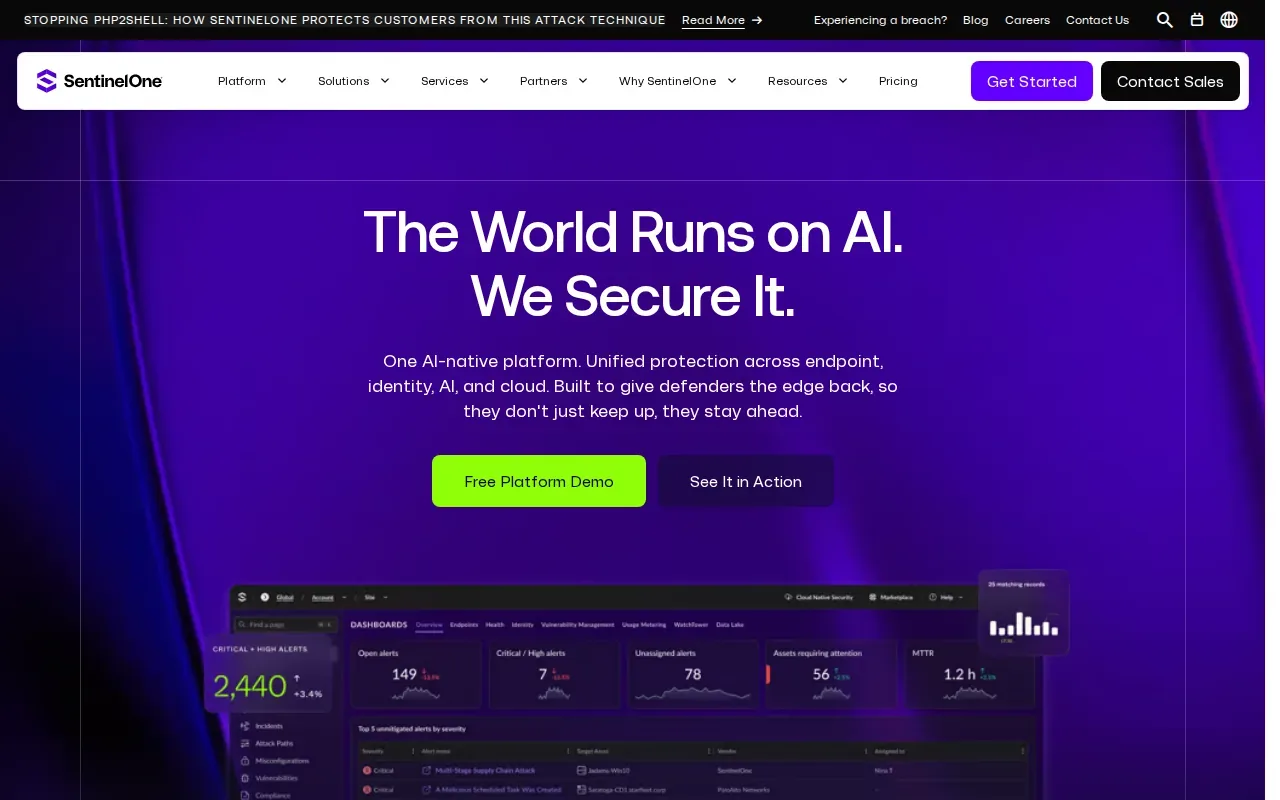
Automated detection and response is useful when an alert needs more than a yes-or-no malware check.
Investigation tools matter after the first alert, too. For a small business without a dedicated analyst, the key buying question is who will interpret findings and carry out response actions.
Organizations with specific deployment needs should consider what setup fits them, though many small firms may prefer a simpler cloud setup.
A security tool alone doesn’t define an incident response plan. Decide who can isolate a device, who contacts affected staff, and how normal work resumes. AdvancedTechCo’s managed security and IT support overview explains how security work can fit into a wider provider relationship. That kind of handoff should be clear before an alert appears.
5. Microsoft Defender for Endpoint: EDR for Microsoft 365 environments
Microsoft Defender for Endpoint provides endpoint detection and response for organizations using the Microsoft security ecosystem. It supports Windows, macOS, Linux, iOS, and Android. For organizations already running Microsoft 365, it adds EDR capabilities without new agents.
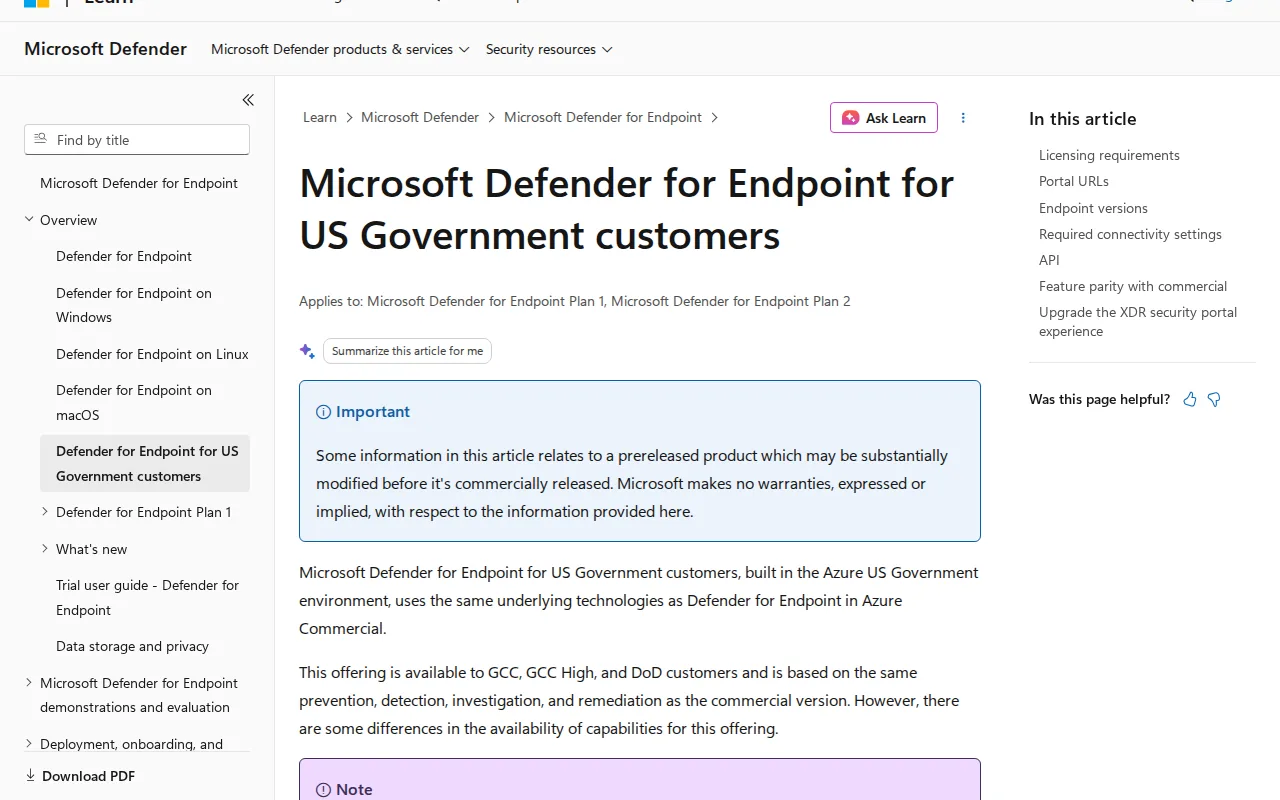
This makes ecosystem fit its main appeal. If your business already uses Microsoft 365, Intune, or Entra, Defender for Endpoint may fit into existing device and identity workflows. Consider how the service fits your current setup and who will review endpoint alerts.
Before a rollout, decide what you need from an endpoint detection and response service and how your team will assess alerts. A pilot can help you evaluate the fit with your device environment and workflows before turning on protection across every device.
Check which licensing options are part of your current agreement and whether the features you need are covered before building a rollout around it.
Confirm that each operating system is supported for the features you expect, and decide who will review alerts. Our guidance on securing remote work setups can help you think through device access beyond the office.
6. Sophos Central: Coordinated endpoint, network, email, and cloud security
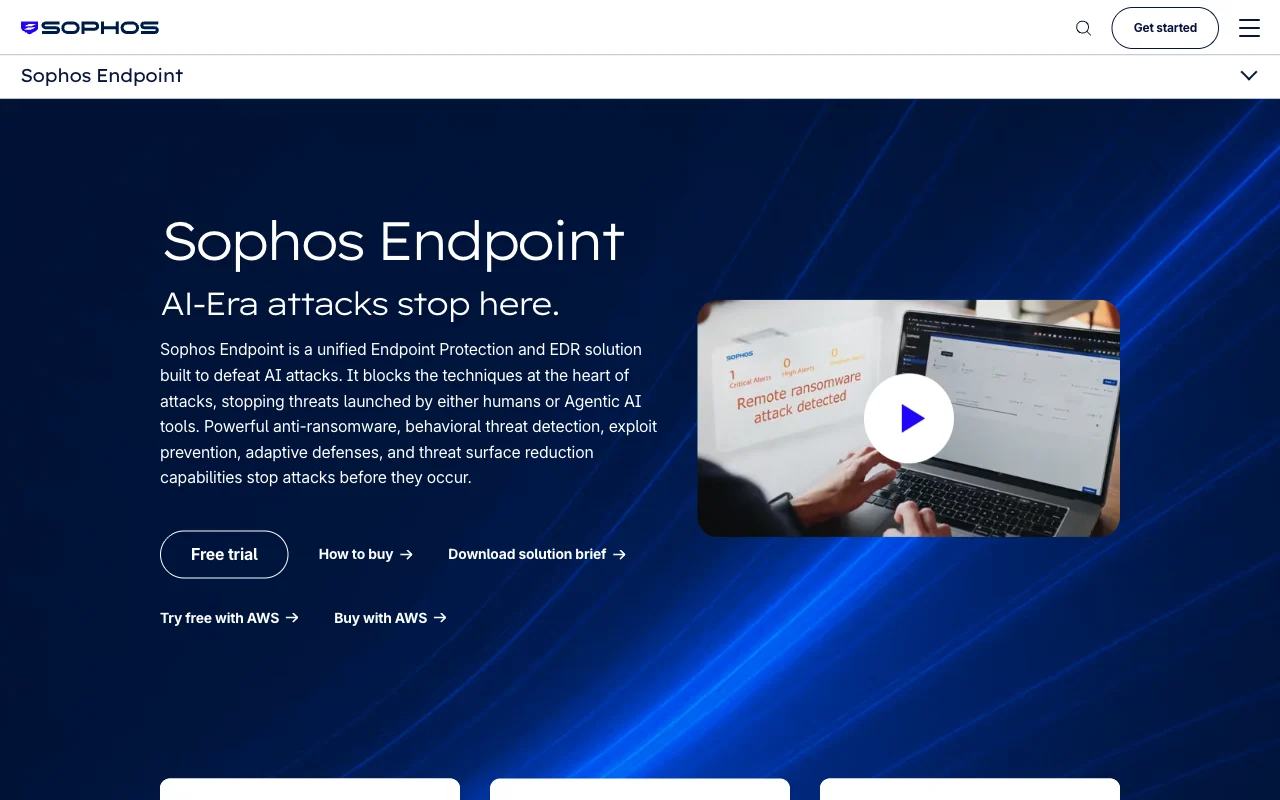
Sophos Central is a cloud platform that coordinates endpoint protection with other security areas, including network firewalls, email security, and cloud workloads. Its approach connects information so defenses can respond together.
This may suit a business that wants to manage several security layers through one platform. For example, a suspicious email and an endpoint alert may need to be handled as parts of the same incident. A connected view can help staff coordinate investigation rather than treating every alert as a separate issue.
Sophos Endpoint also offers prevention-first protection, alongside detection and response capabilities. These functions may suit a company that wants endpoint protection with a path to broader security coordination.
Before choosing Sophos Central, map which parts of your current setup would connect to it. Ask how endpoint alerts relate to firewall or email events, and who owns the follow-up when the platform flags activity. A broad security view is most useful when the people responsible for each system know what action to take.
For a business already using Sophos products, the shared platform may make day-to-day review more direct. If your team uses several vendors, ask for a clear account of what signals and workflows can be brought together. The right fit depends on your current tools and on who will act when an alert needs attention.
Endpoint Security Services Compared: Best Fit by Business Need
The best fit depends on your staffing, device mix, and existing systems. The table compares the options by the operational need each one addresses, rather than by a feature count.
| Option | May fit best when | Decision point |
|---|---|---|
| AdvancedTechCo | You want regional managed IT and security support in NY, NJ, or CT | Agree on alert ownership and endpoint protection scope |
| FortiClient by Fortinet | You want managed setup and monitoring with Security Fabric integration | Confirm how alerts and remediation guidance reach your team |
| Iru | You want endpoint security alongside device management and compliance | Check device and policy fit across your workforce |
| SentinelOne Singularity | You want behavioral detection with automated response and rollback | Set who can approve or carry out response actions |
| Microsoft Defender for Endpoint | Your business already relies on Microsoft security tools | Confirm plan coverage and operating-system needs |
| Sophos Central | You want endpoint signals coordinated with network, email, or cloud security | Map which tools and teams will share incident work |
Endpoint protection platforms, often called EPP, focus on blocking threats before they run. Endpoint detection and response, or EDR, adds monitoring and tools for investigation after suspicious behavior appears. Next-generation antivirus may use behavior analysis rather than relying only on known file signatures. Mobile device management controls device settings, while firewalls control network traffic. Vulnerability management helps teams find and fix known software weaknesses.
Think about who will use the alerts. A tool that detects an incident still needs a person or service to judge it, contain the affected device, and track recovery. Prevention, detection, and response are parts of protecting connected devices. That basic cycle is a useful way to compare services.
Ask about integrations, but don’t assume a long integration list guarantees that your own systems will work together. Find out whether the service can send useful signals to your security information and event management system, or SIEM. If you use extended detection and response, or XDR, ask how endpoint data contributes to the broader view. You can also ask whether investigations map activity to MITRE ATT&CK, a framework used to describe attacker tactics and techniques.
Finally, get the operating details in writing. Ask what the provider monitors, who reviews alerts, and how fast the team is expected to respond. Check deployment choices such as cloud-hosted software or on-premises systems. If you need file sandboxing, which isolates suspicious files for analysis, or least-privilege access controls, name those needs during the review. Include patching and staff security training in the conversation too.
Frequently Asked Questions
What are endpoint security services?
Endpoint security services protect devices that connect to a business network, such as computers, phones, and servers. They may include software that blocks threats, tools that spot suspicious activity, or managed support that reviews alerts and helps respond. Ask what devices are covered and who takes action when the service finds a problem.
What is the difference between EPP and EDR?
EPP mainly aims to prevent threats from running on a device, while EDR focuses on detecting suspicious activity and supporting investigation and response. Many organizations use both types of capability. When comparing services, ask whether the provider only sends alerts or also helps contain incidents and guide recovery.
Does a small business need managed endpoint security?
A small business may benefit from managed support when its staff can’t review endpoint alerts throughout the day. Managed service terms vary, so ask who monitors alerts, what actions the provider can take, and when your team will be contacted. The goal is to make ownership clear before a device is at risk.
What should I ask an endpoint security provider?
Ask which devices and operating systems are covered, how alerts are reviewed, and who can isolate a device. Confirm how patching and recovery fit into the service. Ask for response expectations in writing, including how the provider will notify your team and what information you’ll receive after an incident.
Can endpoint security support remote workers?
Yes. Endpoint security can protect devices that connect to business systems away from the office, but the service must cover the devices and access patterns your staff use. Check whether personal devices are in scope, how device health is checked, and what happens if a remote laptop reports suspicious activity.
Conclusion
For small businesses in New York, New Jersey, and Connecticut that want managed IT and endpoint protection together, AdvancedTechCo is a strong first option to assess. Start by listing your devices and asking providers to explain alert ownership, response steps, and coverage in writing. That gives you a clear basis for choosing support and getting back to your business.

0 comment