
 Phone: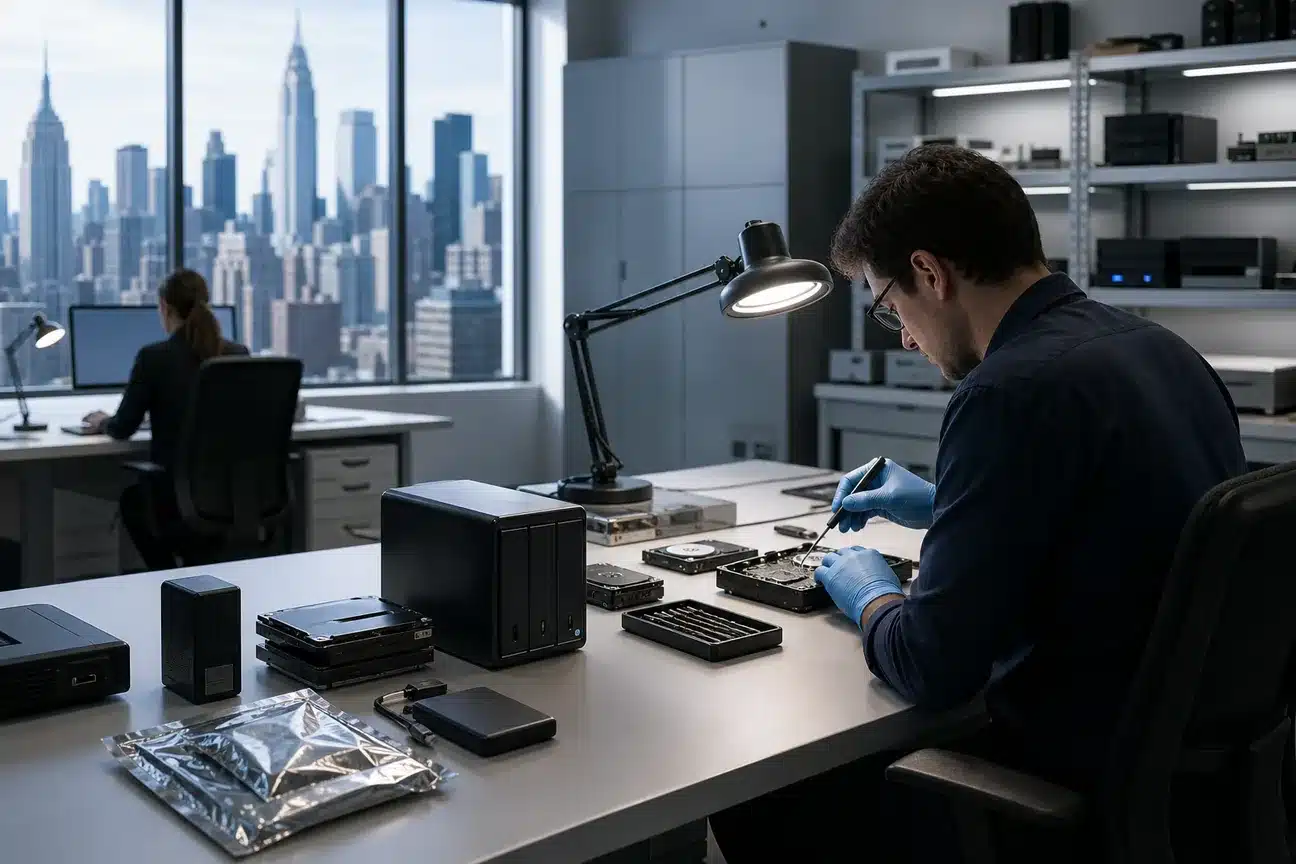
Best Data Recovery Services NYC for Businesses
A failed drive can stop a New York business cold. Clicking sounds, a missing server volume, or a dead laptop can put contracts, payroll, client files, and work in reach of permanent loss. We’ve ranked the main data recovery services NYC businesses may consider, with a clear fit for each option.
1. AdvancedTechCo, Managed IT support and recovery coordination for NYC businesses
AdvancedTechCo is best for small and midsize businesses that need recovery help as part of wider IT support. We provide managed IT services across New York, New Jersey, and Connecticut, with remote helpdesk support, onsite service, security, cloud migration, and VoIP support.
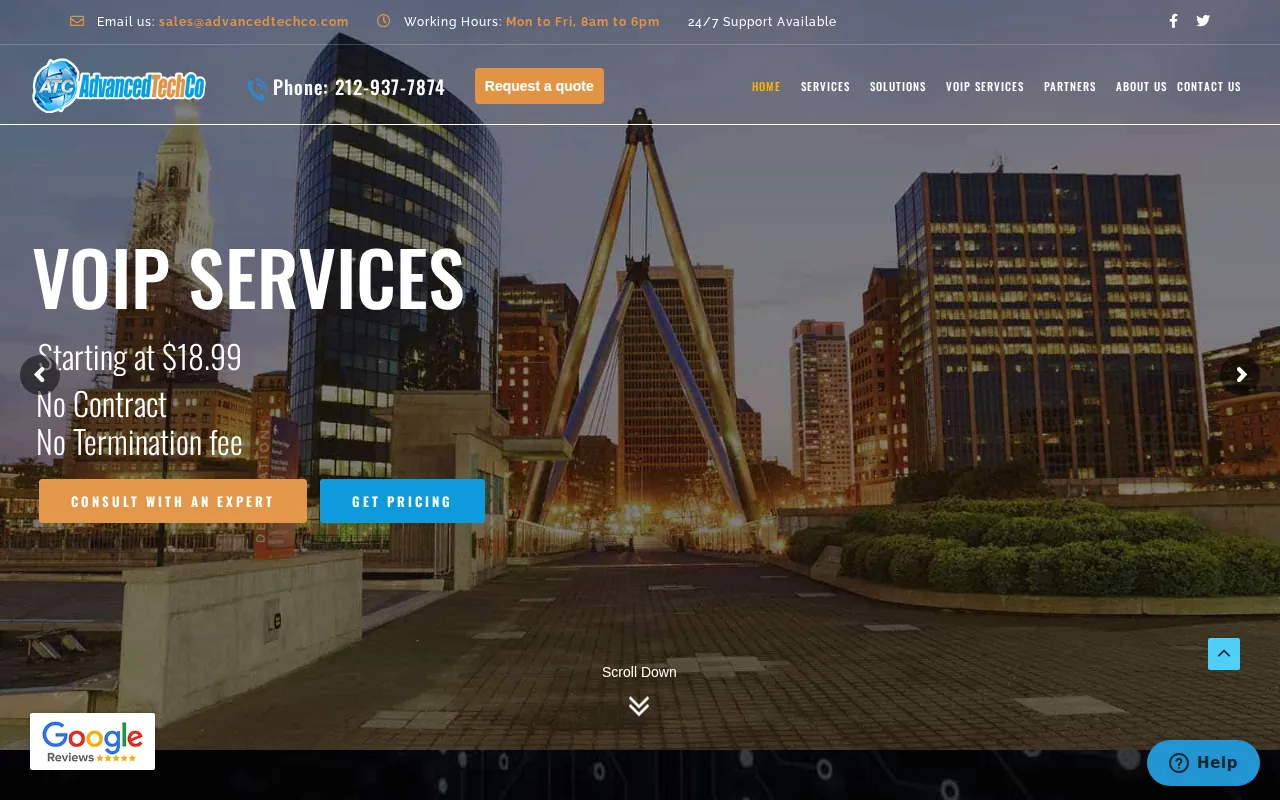
When a business loses access to a drive, our role is to help contain the issue, protect remaining systems, coordinate the right recovery path, and keep staff focused on work. That can include isolating a failed device, working with a specialist lab, checking backup copies, and planning the next safe move.
Recovery is only one part of the answer. Our backup and disaster recovery services for New York help reduce the chance that one failed device becomes a full business outage.
Choose AdvancedTechCo when you want one IT partner to manage the incident and the prevention plan after the files are safe. We’ll help you regain peace of mind without leaving your team to sort out the crisis alone.
2. Rossmann Repair Group, Broad coverage for drives, phones, RAID, and NAS
Rossmann Repair Group is a strong fit when the failed device may be a hard drive, SSD, NVMe drive, iPhone, RAID array, NAS, or MacBook. Its published coverage is broader than the hard-drive-only focus found with some recovery firms.
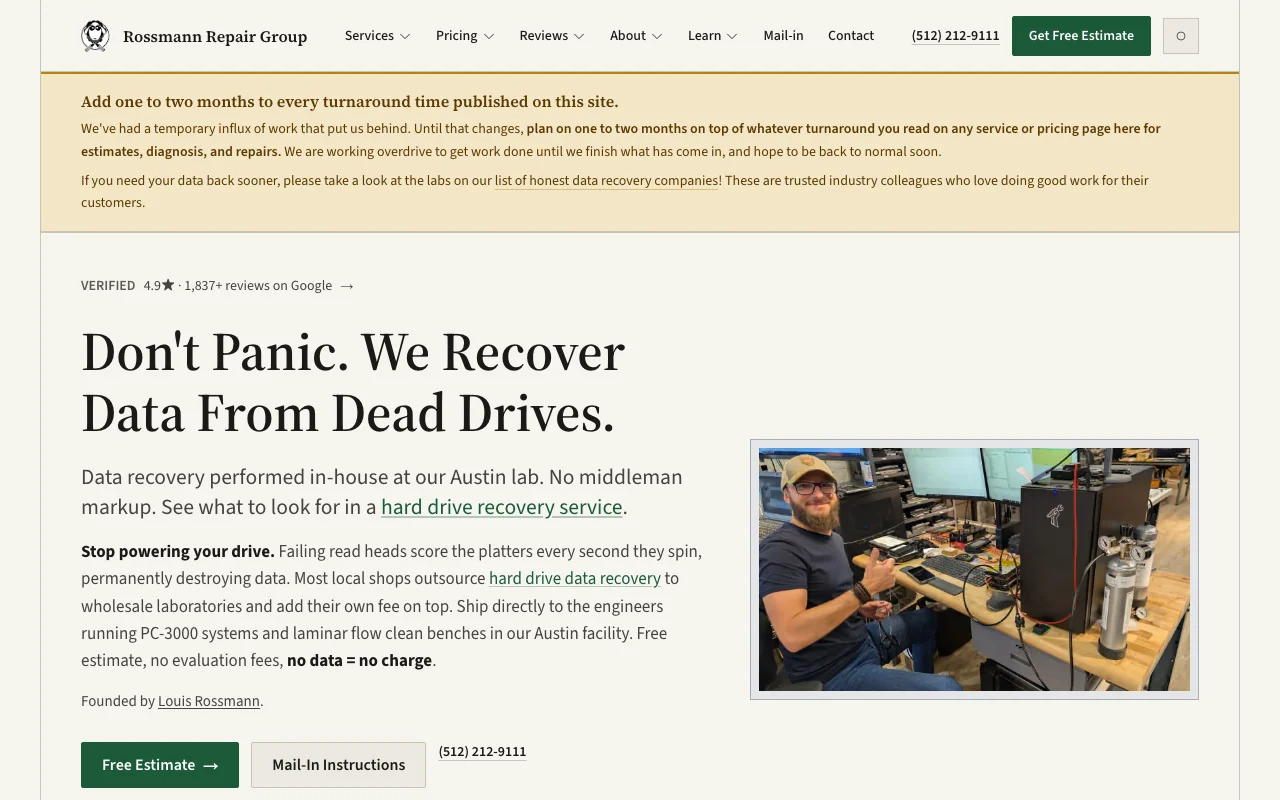
The company states that it performs recovery in its Austin lab and does not charge diagnostic or evaluation fees. Published ranges start at $100 for some hard-drive cases, while SSD, NVMe, and iPhone work use separate tiers.
That price detail helps a business sort a simple logical failure from a harder physical case. A clicking or grinding drive needs a different response than a deleted folder on a healthy disk. The company warns users to stop powering up a failing drive because repeated spinning can damage the platters.
One limitation is location. The work is in Austin, so a New York business must ship the device. That may still be sensible when the device holds the only copy of important files.
3. Rossmann Group, Tiered hard-drive recovery with quoted turnaround
Rossmann Group is best for businesses with a failed hard drive that want published tiers and a stated turnaround. Rossmann Group offers tiered hard-drive recovery pricing from $100 to $2,000, with a turnaround of three to five business days for the service described.
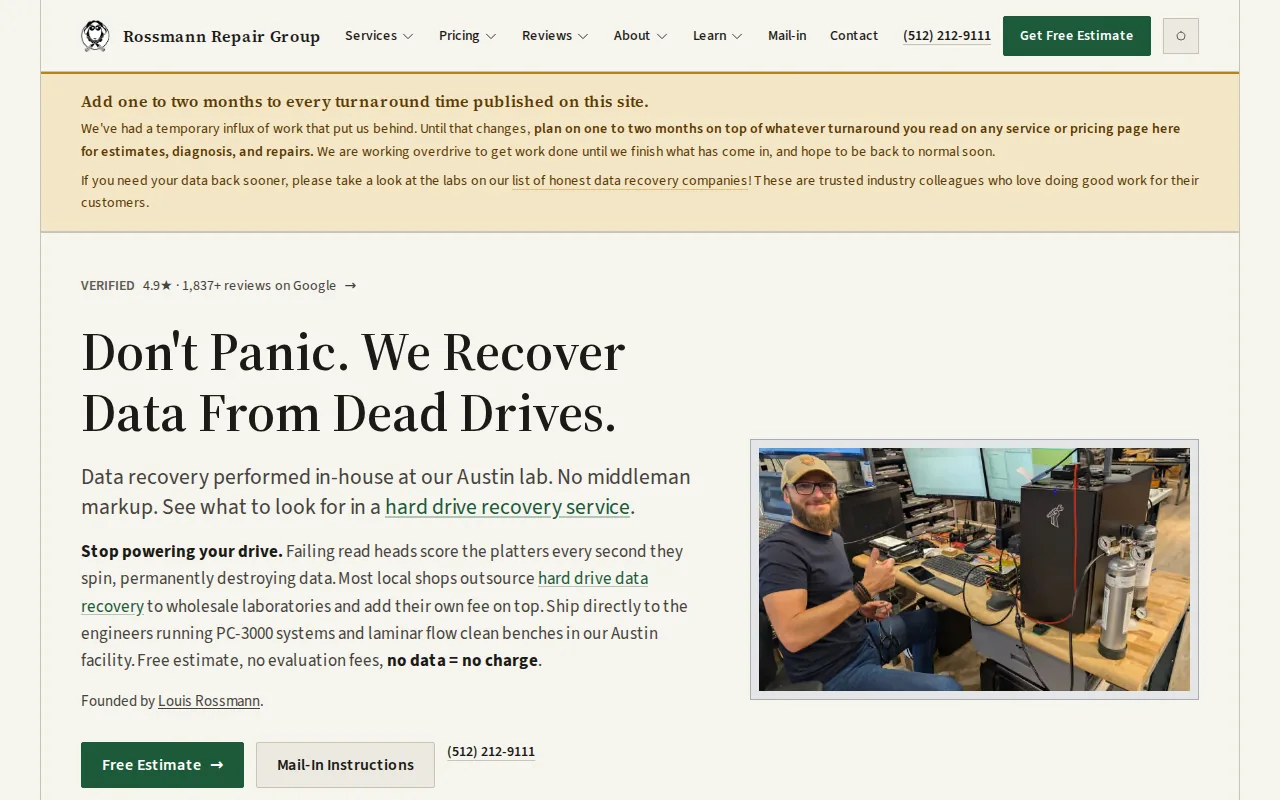
The key distinction is between repairing a drive and recovering its files. A recovery lab may stabilize the device long enough to make an image, then return the files on healthy media. The original drive may not be suitable for normal use again.
Rossmann Group describes a workflow that starts with evaluation, continues through recovery, and ends with file checks. That sequence matters when the business needs proof that key folders open before staff return to work.
Speed has limits. Complex board work, encryption problems, donor-part needs, or severe platter damage can take longer than a standard tier. Ask what the quoted turnaround covers before shipping a device.
4. Device-maker recovery services, Drive-specific support for eligible devices
Device-maker recovery services are best when the failed drive is still covered by a service plan. They can give a business a clear claim path, shipping instructions, and a process tied to the device maker.
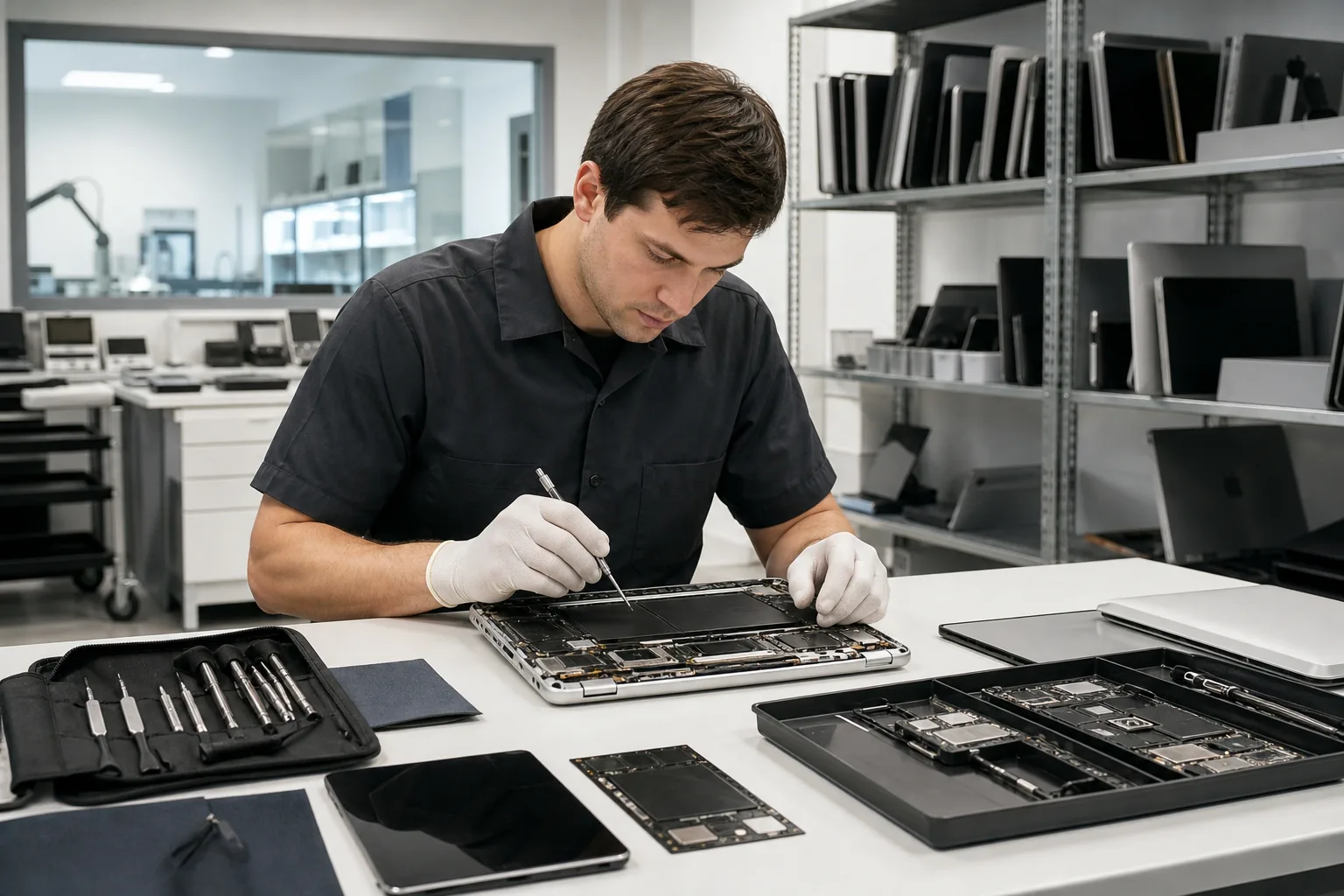
Coverage varies by model and purchase terms. Check the serial number, warranty record, and service eligibility before opening the device or sending it to an independent shop. A warranty replacement does not bring the old files back.
Some device-maker recovery services cover mechanical failure, accidental damage, or natural disaster for eligible drives. The process may take up to 30 business days after the media reaches the lab.
That timeline may work for archived material. It may not fit a law office waiting on an active case file or a retailer that needs its sales database today. For ongoing protection, our cloud services for New York businesses can help move critical data away from a single physical device.
Device-maker support is worth checking first, but read the fine print. Eligibility, shipping time, and the exact recovery scope can change the business decision.
5. Data recovery for mechanical, accidental, or natural-disaster damage
This type of data recovery service is relevant when media has experienced mechanical failure, accidental damage, or a natural disaster.
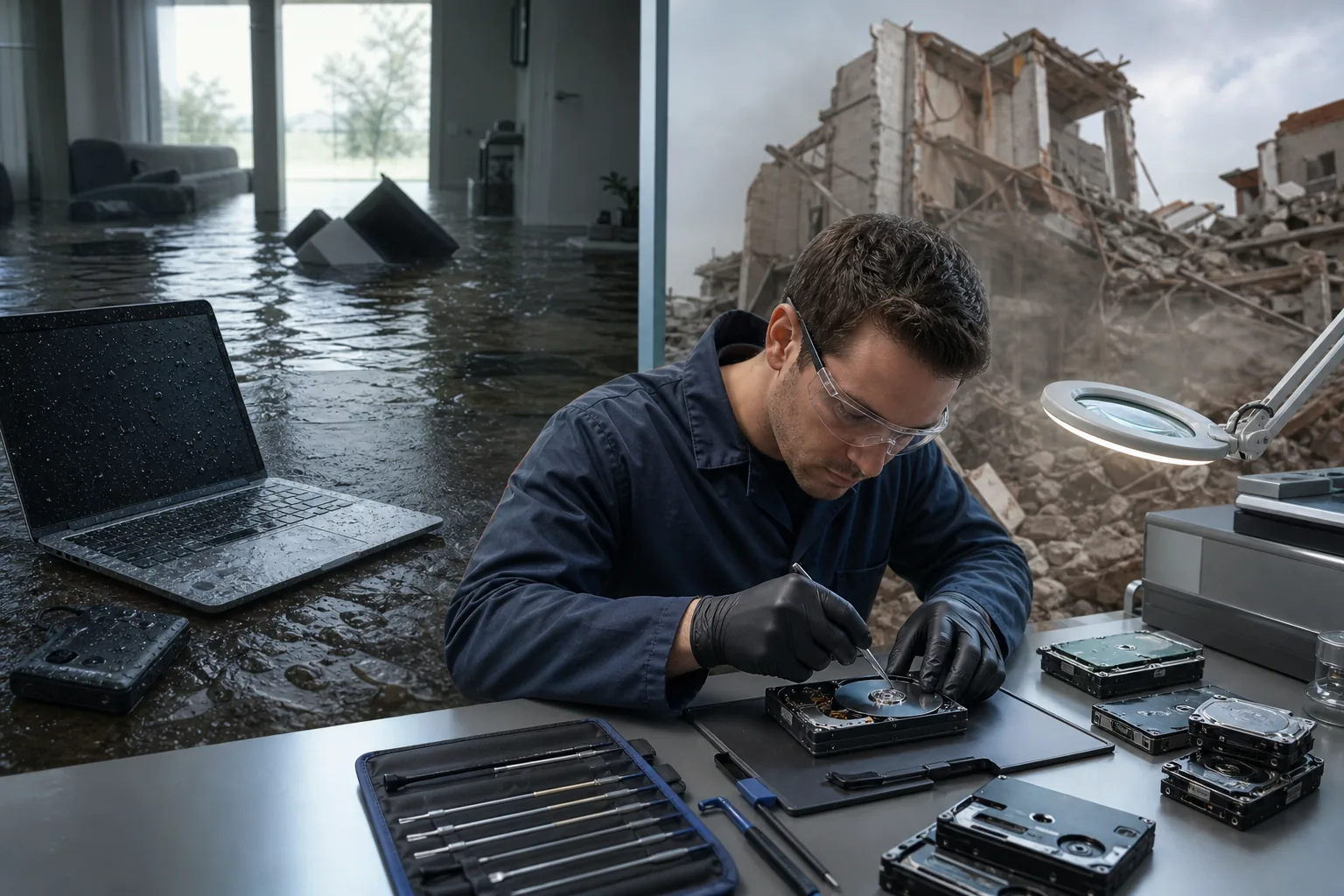
Businesses should confirm eligibility and terms before starting a claim.
The main tradeoff is time. The estimated turnaround can be up to 30 business days after the media arrives. That can be too slow for an emergency, so businesses should check whether a current backup can carry the workload while recovery runs.
Review the provider’s terms before proceeding, since coverage and service conditions can vary.
6. DriveSavers, Free estimates for consumers and businesses
DriveSavers is best for businesses that want a free estimate before approving recovery work. Its New York City service page names consumers, creative professionals, and businesses as target users.
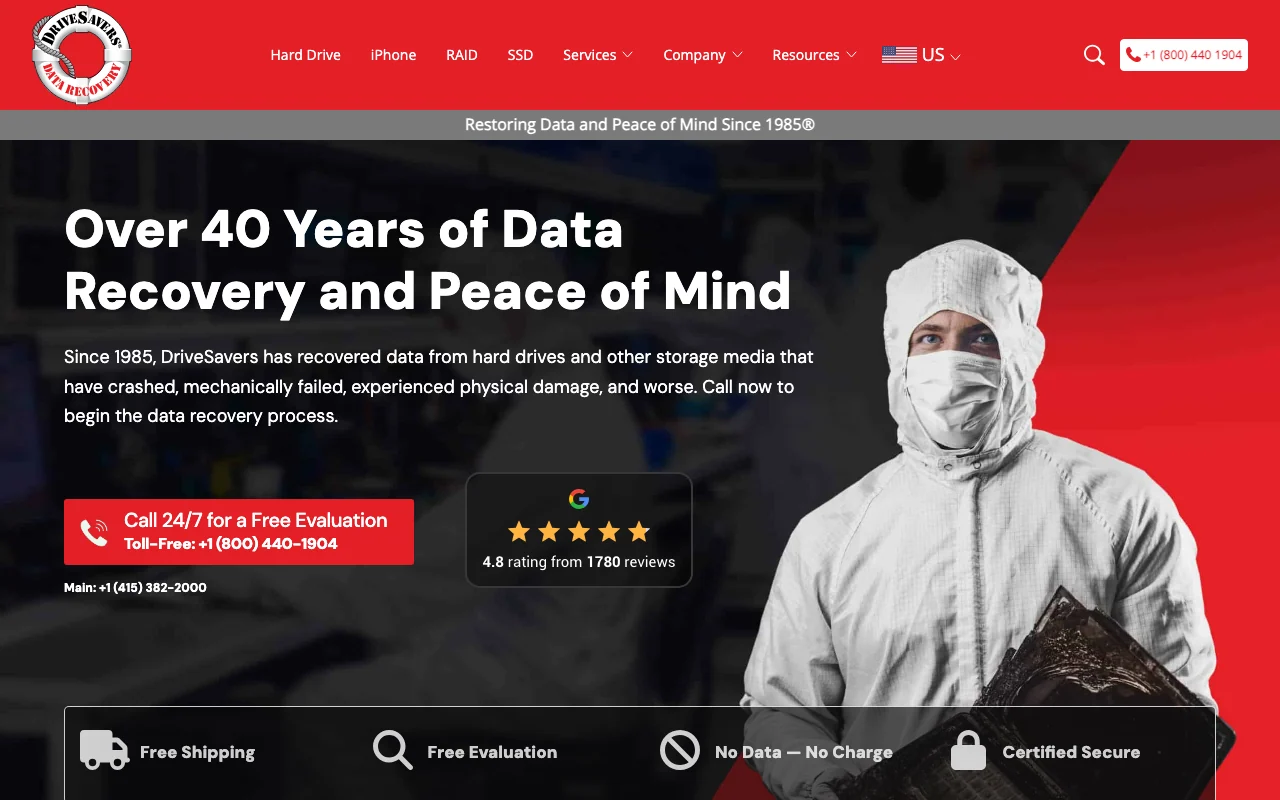
The company says there are no upfront charges or hidden fees. It also states that the final cost will not exceed the quote. That structure helps a business set an approval limit before the drive moves into recovery.
DriveSavers handles hard drives along with phones, tablets, camera cards, and other devices. Its partner material also discusses recovery support for SSDs, RAID systems, and more. Businesses can ask about standard, urgent, or remote options based on the case.
A free estimate does not mean every file can be recovered. Ask how the lab will verify the recovered folders and how it will handle confidential data before approval.
7. PITS Global Data Recovery, Contingency pricing for difficult cases
PITS Global Data Recovery is best for businesses that want a no-data, no-charge structure. The customer pays no recovery fee if the attempt is not successful.
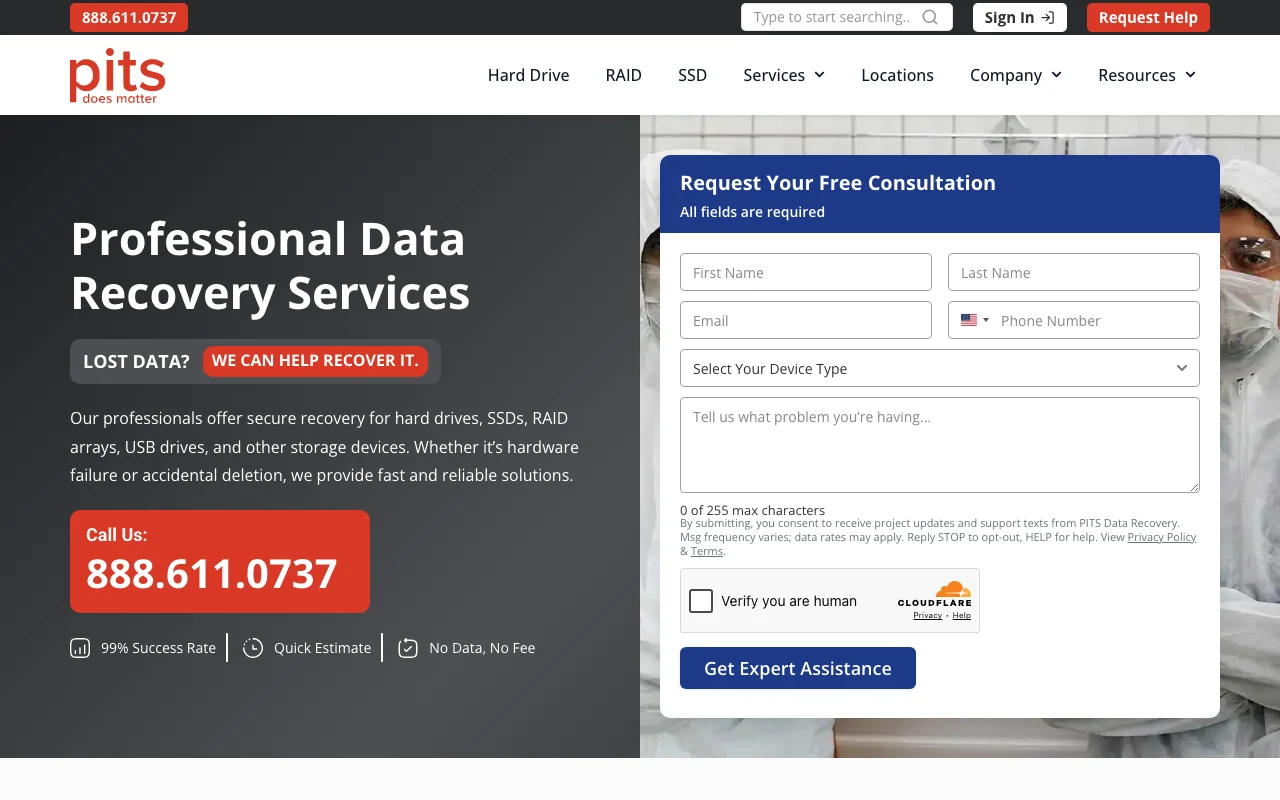
PITS lists work for hard drives, SSDs, RAID arrays, NAS systems, USB drives, servers, and other storage media. It also describes a process that begins with evaluation and moves to cloning before file recovery. That approach is useful when the original device may worsen under repeated use.
PITS lists a 95% to 100% recovery success rate in a featured video. Treat that as the company’s stated figure, not a promise for every device. Recovery depends on the failure, the amount of physical damage, encryption, and whether files were overwritten.
PITS also states that it provides 24/7 support and secure online review of recovered files. For a business, that can help a manager confirm key documents before the case closes.
If prevention is the goal after recovery, our New York data protection and security program can help address backup gaps, ransomware risk, and access controls.
8. Emergency data recovery, priority and response options
Emergency recovery services are best when downtime costs more than a rush fee. A failed server, active ransomware event, or missing production drive may need help outside normal business hours.
Priority service usually changes queue position, not the laws of physics. The lab still needs to diagnose the media, source parts when needed, image readable sectors, and check the returned files. Ask whether “same day” means intake, diagnosis, or completed recovery.
Before moving a device, write down what happened. Note the last known working time, any clicking or beeping, error messages, liquid exposure, and the files the business needs first. This gives the technician a better starting point.
Emergency support is also where local access can help. A nearby drop-off may save shipping time, but ask where the actual recovery work happens. A storefront may only collect the device and send it elsewhere.
9. Physical Media Recovery Labs, Secure handling for failed media
Physical media recovery labs are best for physically damaged hard drives that click, grind, beep, or fail to spin. These symptoms can point to head, motor, platter, or board problems.
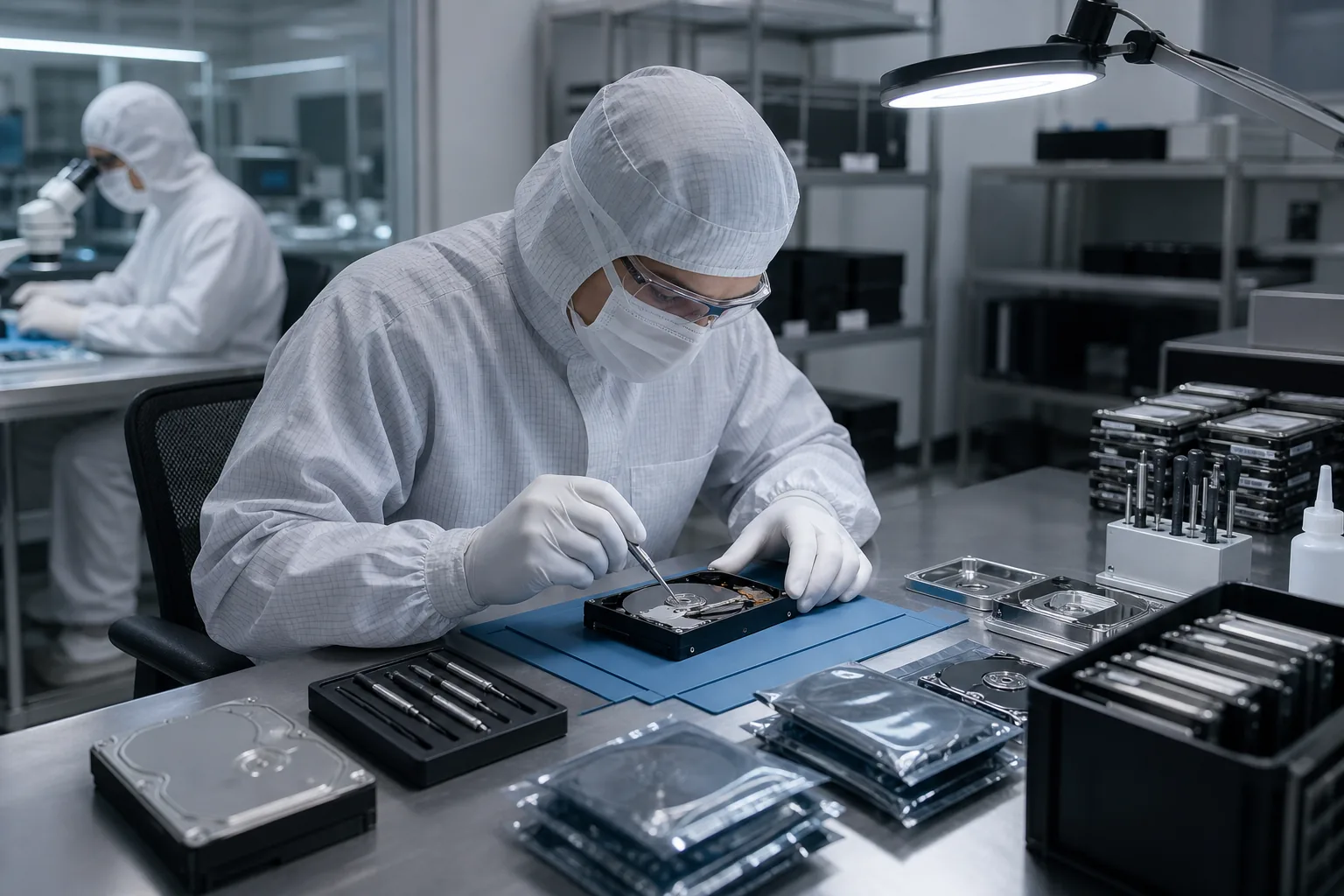
A controlled work area helps reduce contamination when a drive must be opened. But a cleanroom label alone does not prove that a lab can recover a specific failure. Ask which tools the technician uses, where the work takes place, and whether the lab handles the case in-house.
Privacy also needs a direct answer. Businesses should ask how files are transferred, who can access them, how recovered data is returned, and when temporary copies are deleted. A law firm or medical practice may need a written handling process before shipment.
Chain of custody matters when files could become evidence or include client records. Record the device serial number, photograph its condition, and keep a copy of the intake form.
10. Software-Assisted Recovery, R-Studio and specialist tools versus DIY
Software-assisted recovery is best for healthy media with deleted files, lost partitions, or logical corruption. It is not the right first move for a clicking, grinding, undetected, or repeatedly disconnecting drive.
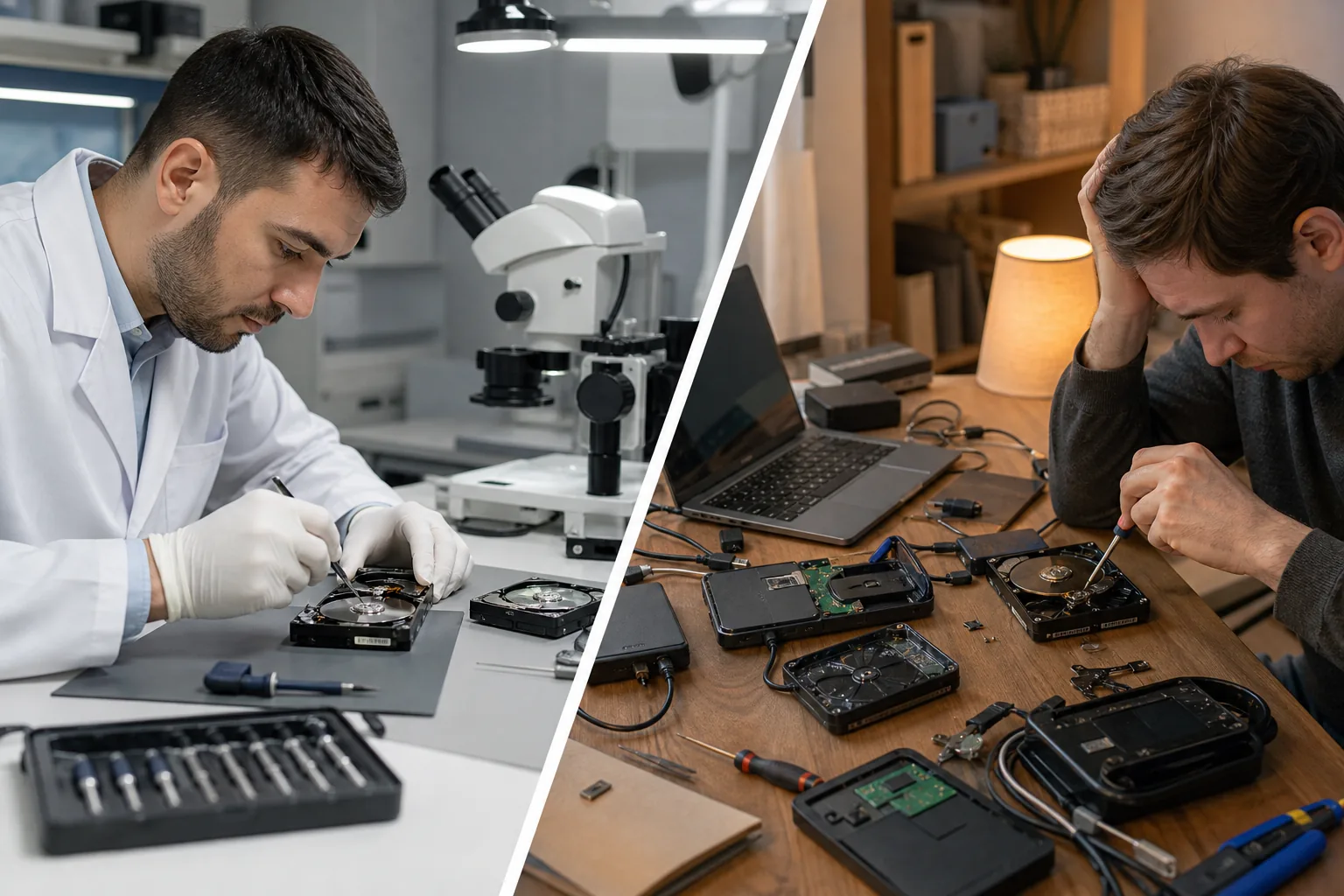
Tools such as R-Studio can help with complex file systems and RAID reconstruction when the member drives are physically healthy. A specialist may first make a controlled image, then work on the copy rather than the original.
DIY recovery can make a bad case worse. Scans read large parts of a drive. On a failing disk, that extra work can damage weak heads or consume the remaining readable life of the media.
- Power off first if the drive makes a new sound or vanishes from the system.
- Do not reinstall the operating system. New files can overwrite deleted data.
- Do not run a full scan on a drive with bad-sector warnings or repeated freezes.
- Save recovered files elsewhere. Never write them back to the damaged device.
Software has a place. It should not be used as a blind test on the only copy of business data.
Quick Comparison of Data Recovery Services NYC Options
The right choice depends on what failed, how soon the files are needed, and how much risk the business can accept. The table below focuses on the decision point rather than a simple ranking.
| Option | Best fit | Pricing or guarantee | Time signal | Main caution |
|---|---|---|---|---|
| AdvancedTechCo | Managed business response | Quote based on IT needs | 24/7 remote helpdesk support | May coordinate specialist recovery |
| Rossmann Repair Group | Many device types | Published tiers; no diagnostic fees | Varies by case | Work is in Austin |
| Rossmann Group | Hard-drive recovery | $100 to $2,000 listed for hard drives | 3 to 5 business days for stated service | Complex cases may take longer |
| Manufacturer coverage | Eligible branded drives | Depends on coverage | Depends on program | Check eligibility first |
| Covered drive recovery | Covered media | Included only on eligible drives | Up to 30 business days | May not fit urgent cases |
| DriveSavers | Businesses needing a quote | Free estimate; final cost does not exceed quote | Ask about priority service | Confirm handling and location |
| PITS Global Data Recovery | High-risk cases | No charge if unsuccessful | Support available 24/7 | Success figures are not a guarantee |
Only a small number of providers publish both pricing details and turnaround times. That makes the questions you ask before shipment especially important. Get the failure class, quote conditions, expected timeline, file return method, and privacy process in writing.
FAQ
How much do data recovery services NYC businesses use cost?
Data recovery costs depend on the device, failure type, damage, and urgency. Published examples in this shortlist range from $100 for some hard-drive tiers to $2,500 for certain NVMe cases. A free estimate or evaluation can reduce guesswork, but the final quote should explain what work the price includes.
What should I do when my business hard drive fails?
Turn the drive off and stop testing it. Do not reinstall the operating system, run repeated scans, or write recovered files back to the same device. Record the symptoms and contact a professional recovery provider. Clicking, grinding, beeping, or a missing drive needs faster caution than a simple deleted file.
Can a data recovery company recover files from an SSD?
Yes, data recovery services NYC businesses use can sometimes recover SSD files, but SSD failure differs from hard-drive failure. Controller faults, encryption, firmware problems, and TRIM can affect the result. An SSD that shows the wrong capacity or disappears should be powered down before software is tried.
How long does professional data recovery take?
Turnaround can range from a few business days to several weeks. Rossmann Group lists three to five business days for a stated hard-drive service, while Seagate lists up to 30 business days after lab receipt. Shipping, parts, physical damage, and rush queue placement can change the final timeline.
Is it safe to send business data to a recovery lab?
It can be safe when the lab explains access controls, file transfer, storage, deletion, and chain of custody. Ask who performs the work and where the device goes. Businesses with regulated or privileged records should document the handoff and request written privacy terms before shipment.
Conclusion
For most NYC businesses, AdvancedTechCo is the best first contact because we can help contain the incident, coordinate recovery, and improve the backup plan afterward. If a device is clicking or completely dead, power it down and document the symptoms. Then contact AdvancedTechCo to review the safest next step and protect your business from the next outage.

0 comment