 Phone:
Best Cloud Services for New York Businesses
Cloud services can cut hardware work, support remote teams, and give a New York business room to grow. But the right choice depends on whether you need managed IT, cloud calling, migration help, or app-based tools. Here are the best options, with a clear first pick for small and midsize firms across the tri-state area.
1. AdvancedTechCo
AdvancedTechCo is a managed IT provider for small and midsize businesses in New York, New Jersey, and Connecticut. It fits owners who want one partner for cloud migration, security, helpdesk support, onsite service, and VoIP.
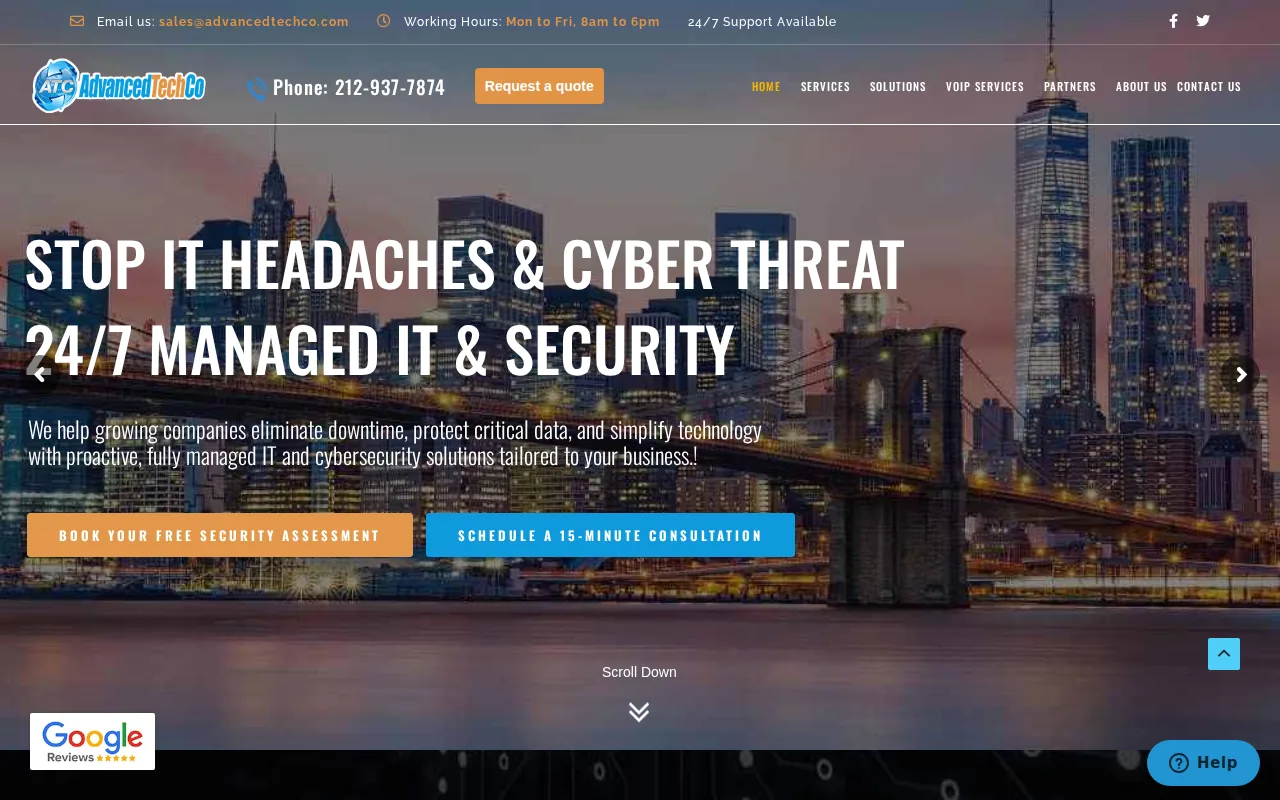
That range is the main reason we include AdvancedTechCo here. A business may start with cloud email, then need better backup, access control, threat detection, or a phone upgrade. Keeping those jobs with one team can reduce handoff problems. It also gives managers one place to ask when a cloud issue affects phones, files, or staff access at the same time.
AdvancedTechCo provides a 24/7 remote helpdesk plus onsite support. That mix matters when a remote fix is enough, but a branch office, network closet, or workstation needs hands-on work. We can also plan a phased migration instead of forcing every system into the cloud at once.
The caveat is simple. A full managed service costs more than buying a single cloud app. But the comparison should include downtime, staff time, security work, and the cost of managing several vendors.
For owners who want to focus on the business instead of chasing IT tickets, AdvancedTechCo is a strong fit. Our managed IT provider comparison for New York can help you frame the next conversation.
2. CCi Voice, flat-rate communications and physical security support
CCi Voice fits tri-state organizations that want flat pricing, local accountability, and one provider for voice and physical security. Its model uses one recurring rate with support included.
Flat pricing can make a monthly budget easier to read. It may suit a firm that mainly needs cloud-hosted VoIP and does not want each support request billed as a separate line item. A single communications vendor can also help when phone service and physical security sit under the same office plan.
The trade-off is scope. CCi Voice is positioned around communications rather than full managed IT. If your business needs cloud migration planning, endpoint security, backup review, or a 24/7 helpdesk, you may still need another partner.
Ask what the recurring rate includes before you compare it with a broader managed service. A low phone bill does not answer who handles a compromised account, a failed workstation, or a cloud access problem.
3. TeleCloud, hands-on cloud communications for New Jersey SMBs
TeleCloud is a fit for New Jersey small businesses that want a local partner for modern cloud communications. Its support model includes in-person installation, number porting, and staff training.
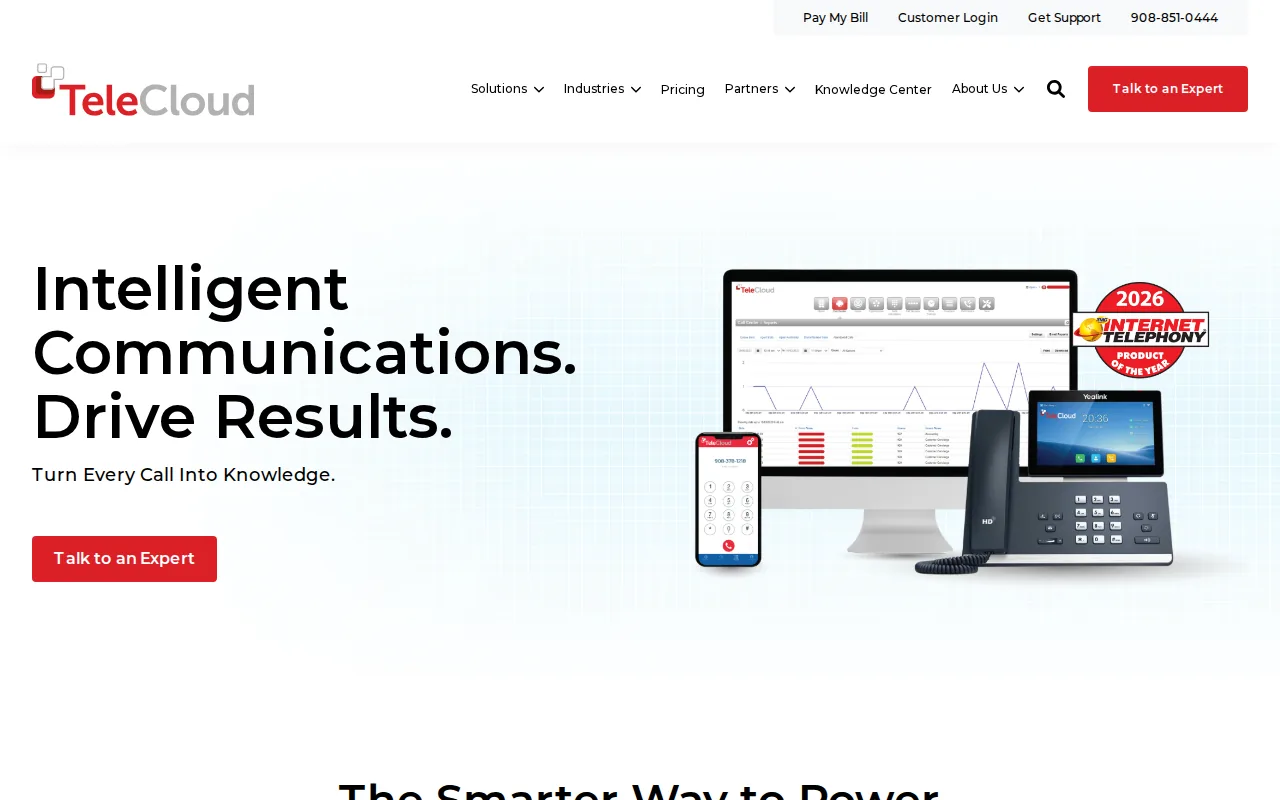
That hands-on approach can help a small office avoid a rough phone cutover. Number porting needs planning, and staff training matters when call flows, voicemail, or call handling change. A person who can visit the office may also spot setup issues that are hard to explain over a chat window.
TeleCloud’s strengths include an AI receptionist and call analytics. Those tools may help a team sort inbound calls or review patterns in call traffic. Still, the business should ask how those features connect to its wider IT plan.
TeleCloud is narrower than AdvancedTechCo. It makes more sense when communications are the main project. If the same move includes security controls, backup, user support, and cloud migration, compare the cost of adding separate services.
4. Callifi, legacy phone support during cloud migration
Callifi suits New York City area businesses that need to keep older phone hardware running while they plan a move. Its services include legacy PBX repair and elevator phone support.
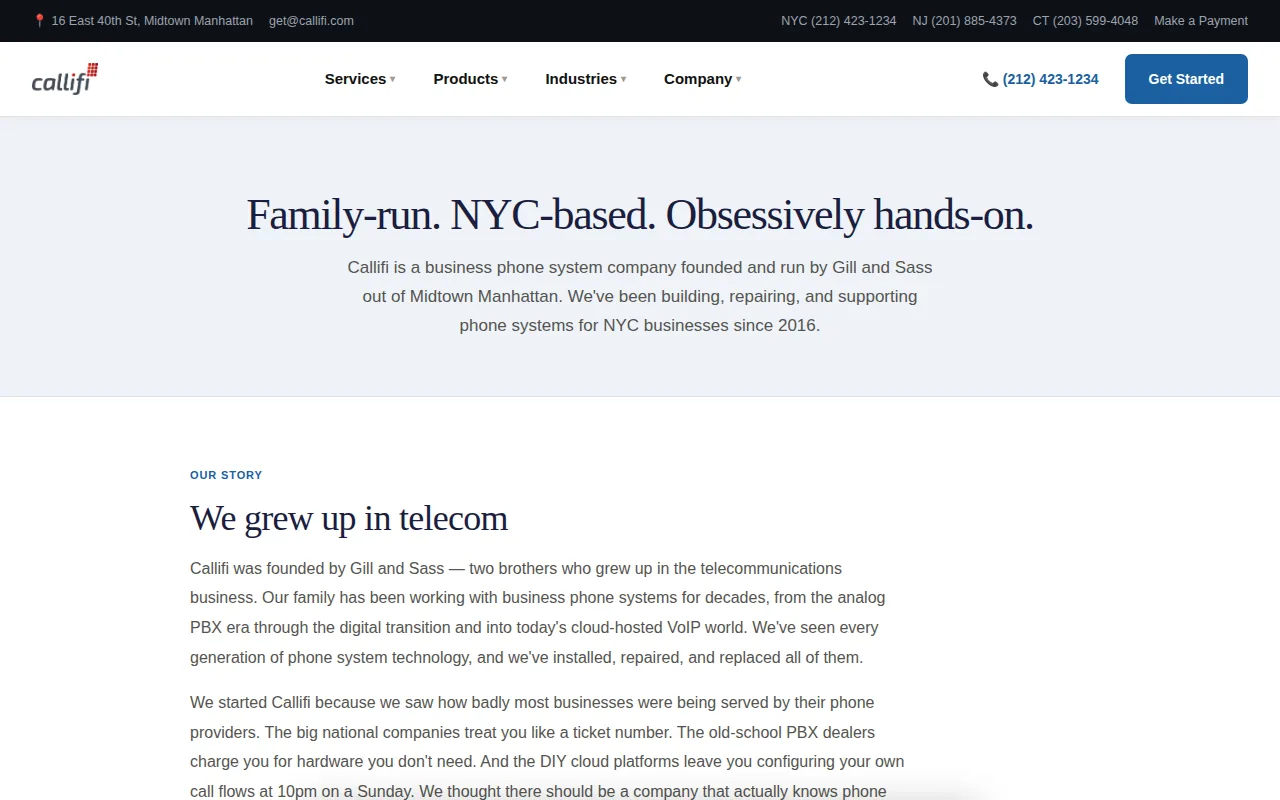
That focus matters for offices, buildings, and sites where replacing every phone component at once would create risk. A legacy system may still connect to building functions or older wiring. A careful provider can help a business buy time while it maps users, lines, contracts, and replacement needs.
Callifi is a useful niche option when the immediate problem is an aging phone system. It is less suited to an owner seeking a single partner for cloud security, user support, backup, and general IT management.
Before choosing a migration path, list the parts that cannot fail during the change. Include emergency lines, elevator phones, reception queues, and any number that customers already know. That list will shape the right project plan.
5. Voicecom Plus, integrated cabling, phones, and office relocations
Voicecom Plus fits New Jersey and New York businesses planning an office build-out or relocation. Its strength is bringing cabling and phone work into one project.
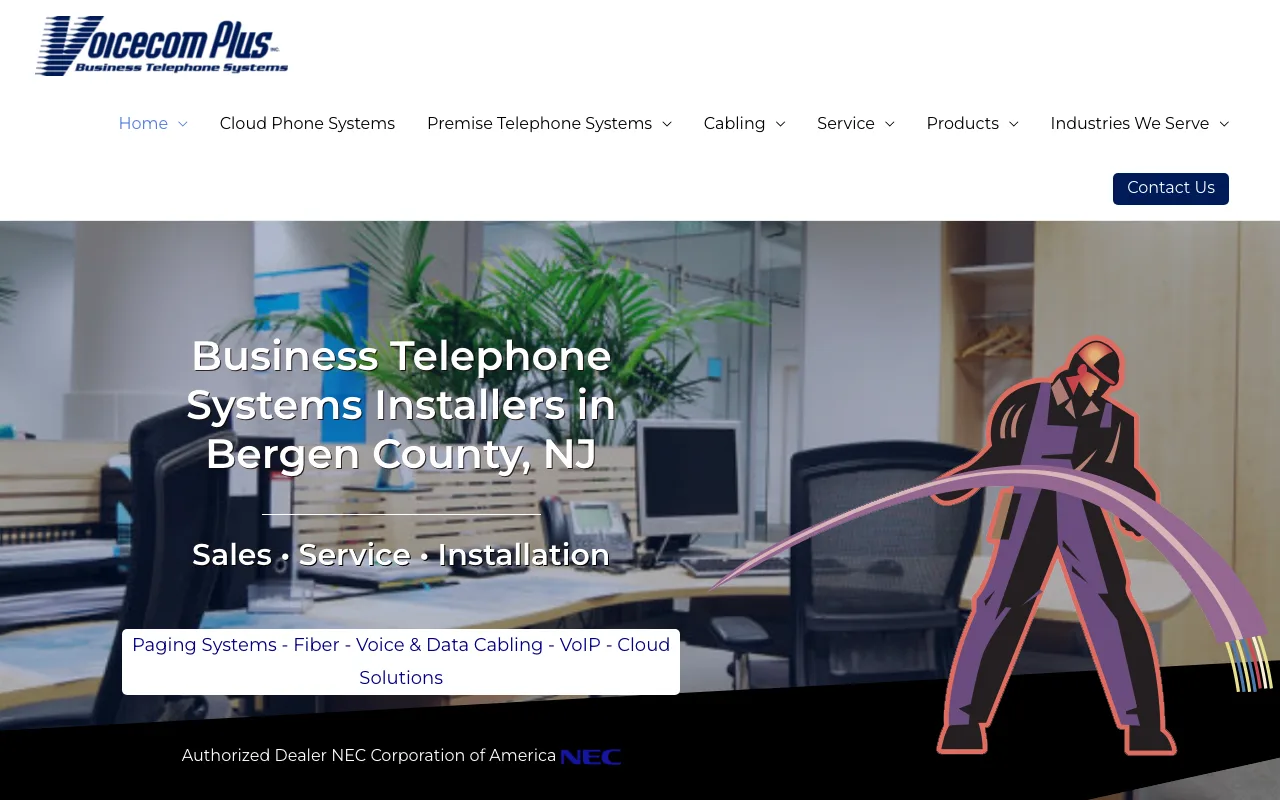
This can reduce coordination work during a move. A phone system may work well on paper but fail when the new site lacks the right cabling, network layout, or desk locations. A provider that designs, installs, and services phone systems can address those pieces as one job.
Voicecom Plus also has a telecom bill review focus. That may help a company spot old services or charges that no longer match its needs. Review the bill before signing a new plan, since a move is often the best time to remove unused lines.
The limitation is clear. This is a better match for facilities and voice work than for a full managed IT relationship. If the move includes cloud security or employee support, confirm who owns those tasks.
6. Electronic Office Systems, local office technology consolidation
Electronic Office Systems is for organizations that already buy office technology locally and want fewer vendors. Its focus is broad office technology, with local support and installation.
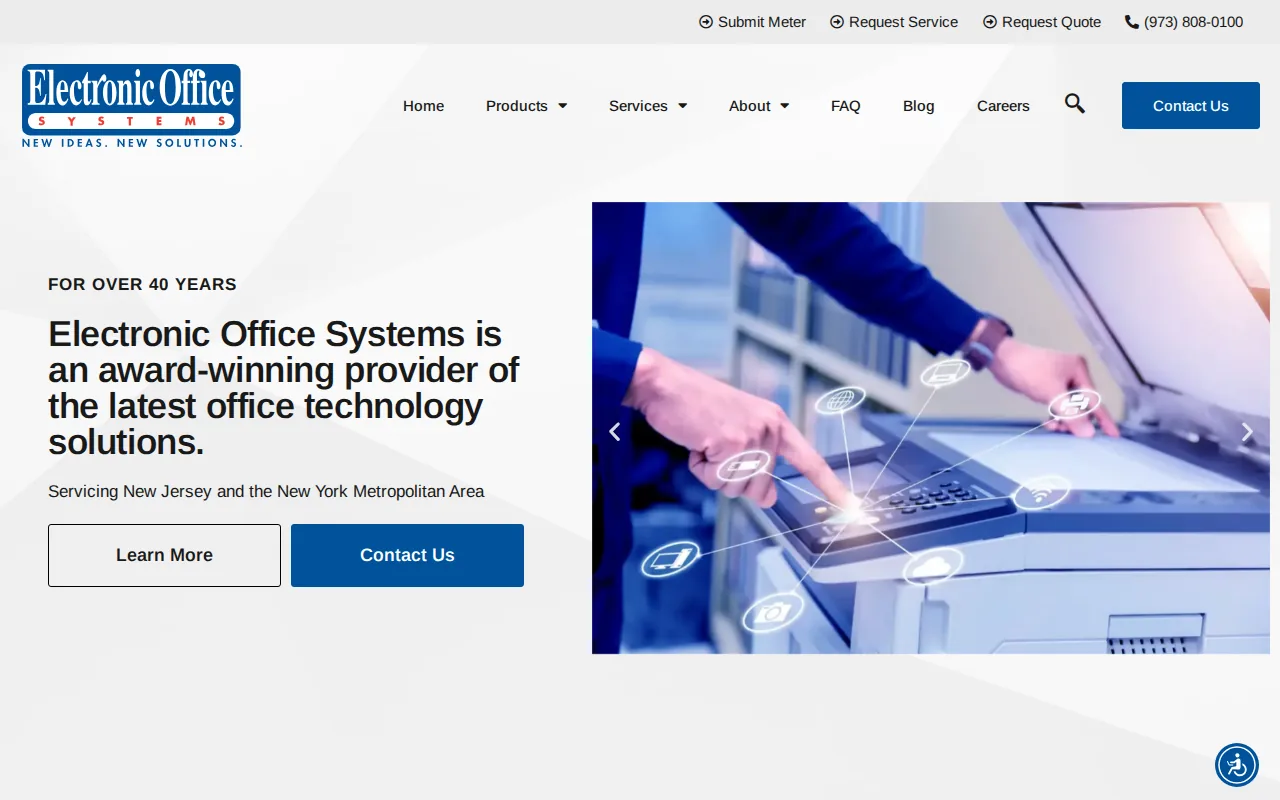
Vendor consolidation can help when a business has several small technology contracts. One local provider may make it easier to schedule installs, track service requests, and assign responsibility for office equipment. This is especially useful during a suite change or a new branch setup.
Still, broad office technology does not always mean managed cloud security. Ask who handles identity access, backups, software updates, and incident response. Those duties need named owners, not a vague promise of support.
Electronic Office Systems may be a good local fit for office technology. AdvancedTechCo is the better match when the goal is to combine that work with cloud migration, security, helpdesk service, and VoIP.
7. RingCentral, app-first calling, video, messaging, and fax
RingCentral fits app-first teams with in-house IT that do not need a technician onsite. Its core services cover calling, video, messaging, and fax.
The app-based model can work well for distributed staff. Employees can use a supported device while the IT team manages accounts and settings from a central system. This can reduce the need for desk-bound phone hardware, though the quality of the experience still depends on internet access, device policy, and user training.
Those points may appeal to a company that wants its communications system to connect with many other tools. Verify the exact service terms, support boundaries, and plan limits before signing.
Cloud calling is a service model where voice functions run through internet-connected systems instead of a traditional onsite phone setup.
RingCentral is strongest when your internal IT team can own the rollout. If you need a partner to manage the wider environment, AdvancedTechCo gives you a broader service path.
8. Managed cloud security and compliance providers for New York SMBs
Managed cloud security providers fit New York businesses that need help with access, backup, threat detection, and compliance work. This category is worth considering when sensitive data or regulated workflows make a DIY setup too risky.

Cloud security still needs clear ownership. A provider should explain who reviews alerts, who removes a former employee’s access, and how backup recovery gets tested. It should also document what happens during an incident. Those details matter more than a long feature list.
New York companies may also need to review state rules, industry duties, contract terms, and client security demands. A cloud provider can supply controls, but your business remains responsible for choosing the right settings and keeping records. Ask for an access map and a data flow diagram before migration.
AdvancedTechCo combines managed security with helpdesk, onsite support, cloud migration, and VoIP. That makes it a strong choice when security cannot sit apart from daily IT work. You get one team to coordinate the response while staff keep working.
9. Cloud migration and modernization partners for New York businesses
Cloud migration partners help businesses move workloads off local servers or between cloud platforms. This category fits firms with old applications, growing data needs, or a plan to modernize software over time.

A migration does not have to mean moving everything in one weekend. A safer plan may start with an inventory. Then the team can group systems by risk, map dependencies, test backups, and move a low-risk workload first. A later phase may modernize an application instead of copying its old design into a new environment.
Major cloud platforms support several service types. Software as a Service gives users a finished application. Infrastructure as a Service provides rented computing resources. Platform as a Service gives developers managed building blocks for applications. The right mix depends on how much control your team needs.
Cloud platforms may provide virtual machines, containers, managed databases, data transfer, security, and application deployment. Teams can compare architecture choices based on workload needs and modernization goals.
| Business need | Best provider type | Question to ask |
|---|---|---|
| One partner for IT and cloud work | Managed IT provider | Who owns support after migration? |
| App-first communications | Cloud communications provider | Who handles setup and user training? |
| Older PBX or building phone system | Legacy phone specialist | Which lines must stay active? |
| New office or relocation | Voice and cabling provider | Who coordinates wiring with the move? |
| Modern application build | Cloud modernization partner | Can the team test rollback before launch? |
Advanced cloud designs may include containers, Kubernetes, CI/CD pipelines, infrastructure as code, or a Transit Gateway. Those tools can help larger teams repeat deployments and control access across accounts. Small businesses do not need every tool. They need an architecture that their staff can support.
How to choose cloud services for your New York business
Start with the problem you need to solve. A company with an aging PBX needs a different partner from a company that needs managed security across remote staff.
- Set the scope: Write down the systems, users, sites, and data involved.
- Check support: Ask if help is remote, onsite, or both. Confirm hours and response rules.
- Review security: Discuss identity access, backups, alert review, recovery tests, and audit records.
- Map migration: Ask for phases, dependencies, testing, rollback steps, and staff training.
- Compare total cost: Include licenses, setup, support, hardware, downtime risk, and internal staff time.
Pay-as-you-go billing can help when usage changes. It can also surprise a business if storage, data transfer, or user counts grow without review. Set a monthly cost check and assign someone to approve new services.
FAQ
What are the best cloud services for small businesses in New York?
The best choice for many small businesses is a managed IT provider that combines cloud migration, security, helpdesk support, and VoIP. AdvancedTechCo fits that need because it supports both remote and onsite work. A communications-only provider may cost less when your only goal is cloud calling, but it will not cover the wider IT workload.
How much do cloud services cost for a New York business?
Cloud service costs vary by users, storage, applications, support level, migration work, and security needs. Subscription and consumption billing can lower upfront hardware spending, but monthly use must be watched. Ask each provider for setup costs, recurring charges, backup terms, support limits, and any fees tied to growth.
Are cloud services secure for New York businesses?
Cloud services can be secure, but security depends on configuration and ongoing oversight. Use strong access controls, tested backups, alert review, device rules, and clear incident steps. New York businesses should also check industry duties and client contracts. A provider should explain which controls it manages and which duties remain with your team.
What is the difference between SaaS, IaaS, and PaaS?
SaaS is a finished application that users access online. IaaS provides rented computing resources such as virtual machines and storage. PaaS gives developers managed tools for building and running applications. A New York business may use SaaS for payroll, IaaS for extra capacity, or PaaS for a custom app.
Should a New York business move everything to the cloud?
No, a business does not need to move everything at once. A phased plan can keep some systems onsite while the team moves email, backup, files, or selected applications. Start with an inventory, test recovery, and review dependencies. A managed provider can help decide what should move, stay, or be replaced.
Conclusion
For most New York, New Jersey, and Connecticut SMBs, AdvancedTechCo is the best starting point because it joins cloud migration with security, VoIP, helpdesk, and onsite support. Next, make a short system inventory and request a cloud readiness conversation so you can compare scope, support, and total cost with less worry.

5 comments