
 Phone:
Best Network Support NYC Providers
A dropped Wi-Fi link can stop a payment, delay a client call, or leave a whole team stuck. The best network support NYC providers watch for trouble before users report it and help keep office systems safe and available. Here are 10 provider types and named options, with AdvancedTechCo first for small and midsize businesses.
1. AdvancedTechCo
AdvancedTechCo provides managed IT support for small and medium businesses across New York, New Jersey, and Connecticut. It is a strong fit for owners who want one partner for network care, security, cloud work, and user support.
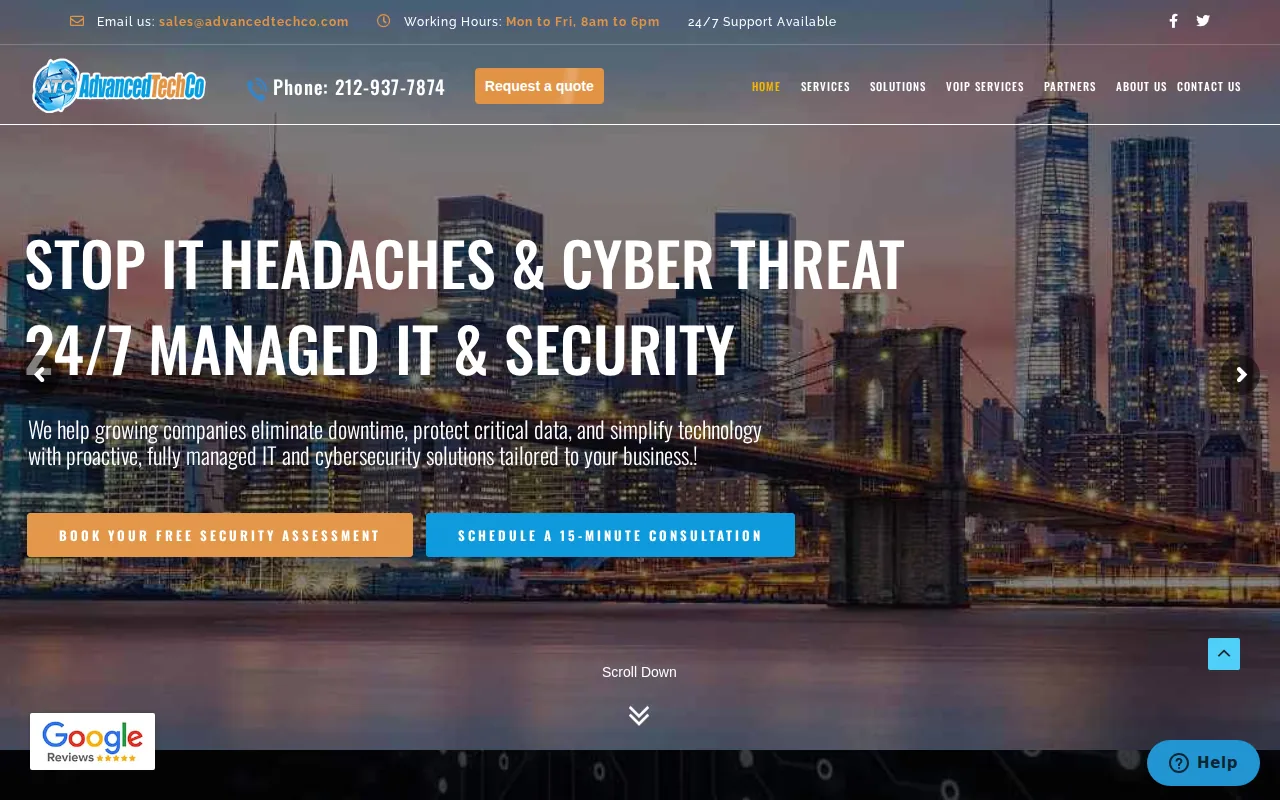
Our service includes 24/7 remote helpdesk support, onsite visits, security services, cloud migration, and VoIP phone support. That breadth matters when a network fault turns into a wider business problem. One team can trace the issue from a Wi-Fi access point to a firewall, cloud app, or phone system.
We also support firms that want to reduce their in-house IT load. We provide monitoring and issue response so you can focus on your business. Pricing and contract terms should still be reviewed during a discovery call.
Business IT support services in New York can help you map support needs before a service change.
2. Power Consulting Group, Broad managed IT coverage for established businesses
Power Consulting Group is a fit for medium and large businesses that need managed network support across New York and New Jersey. Its published service information lists 24/7 support, remote helpdesk coverage, onsite support, cloud migration, security services, and VoIP.
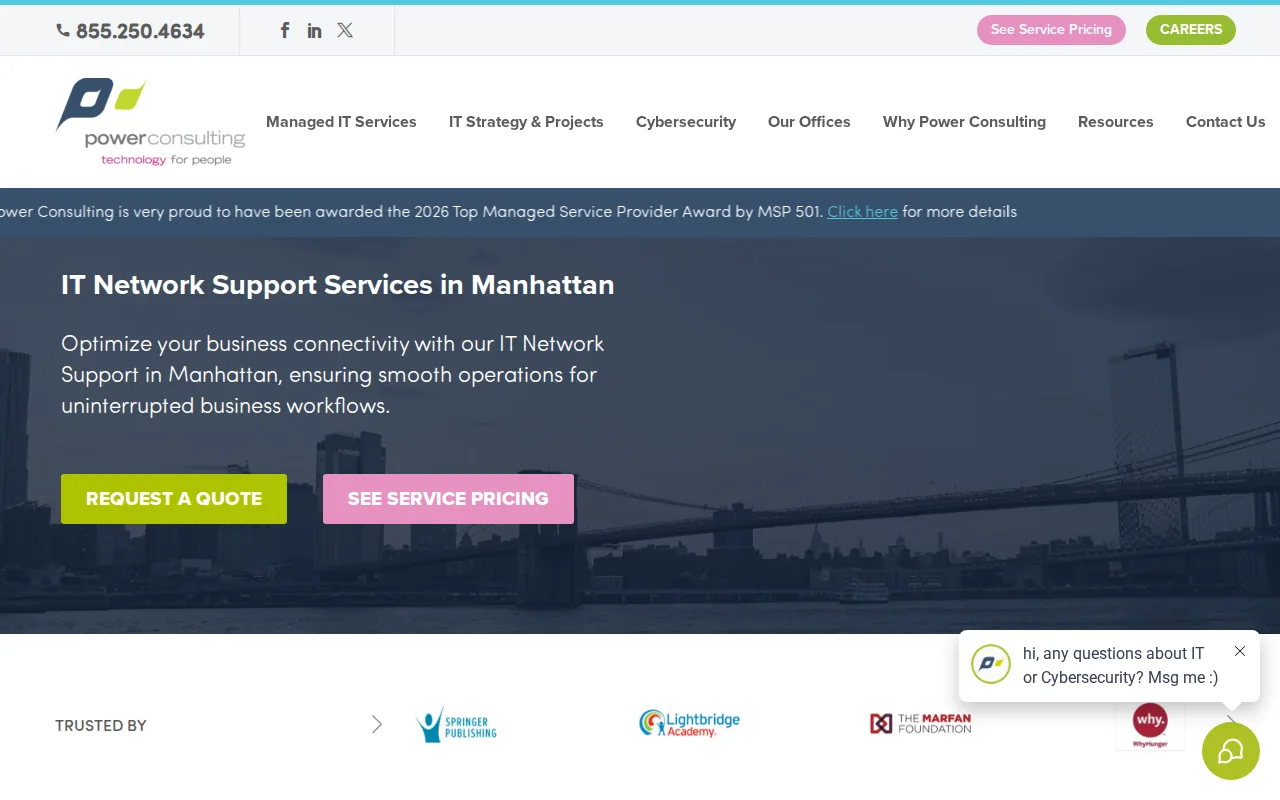
The broad service mix makes it worth comparing with a full-service provider. Power Consulting Group also highlights a four-hour field technician response time, which may matter when a site needs hands-on help.
The tradeoff is limited public detail on pricing and contract flexibility. Ask about response targets by severity, after-hours escalation, exit terms, and what counts as an onsite visit. A fast field response has less value if the service agreement leaves key costs unclear.
For a larger firm with an existing IT lead, this option may work well as an outside support layer.
3. DAG Tech, Flat-rate support for NYC small businesses and startups
DAG Tech targets small businesses, nonprofits, startups, and larger organizations in New York City. Its published information lists 24/7 support and remote helpdesk service, with coverage that includes Manhattan, Brooklyn, and the greater metro area.
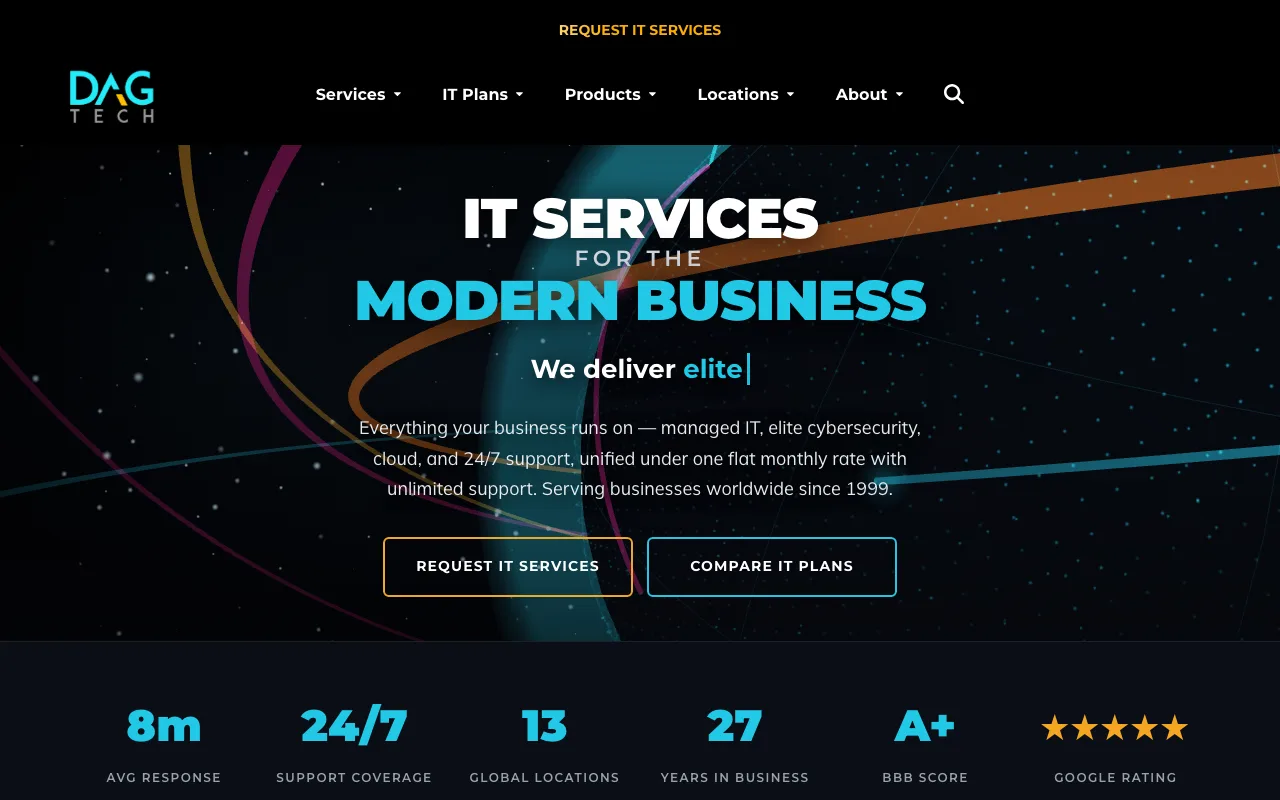
Its clearest buying point is the pricing model: a flat-rate monthly fee per user. That structure can make budgeting easier when headcount stays fairly stable. It also gives a buyer a useful question to ask other providers: what does the monthly fee include, and what sits outside it?
Startups may value the simple fee model. Firms with frequent office moves may need more clarity before signing.
4. NYC Boutique Managed IT Providers, Personalized support for growing local firms
Boutique managed IT providers can suit growing local firms that want a close working relationship with a small support team. This category is worth considering when your office has unusual workflows or needs plain-English guidance.

Look for proactive monitoring rather than break-fix work. A good provider should watch network devices, review alerts, keep backup checks visible, and explain what needs attention. Onsite support also matters when a remote fix cannot solve a bad cable, weak access point, or failing firewall.
A local small-business resource page may be useful for firms that need help beyond IT. Its official small business resource page can provide additional information.
Before choosing a boutique firm, ask who handles nights and weekends. A personal relationship is useful, but a one-person dependency can become a risk during illness or peak demand.
5. Enterprise Network Support Firms Serving NYC, Complex infrastructure and SLA requirements
Enterprise network support firms serve organizations with many sites, large user counts, or strict service-level agreement needs. They are a better fit when uptime reporting, escalation paths, and formal change control matter as much as day-to-day helpdesk work.

Enterprise providers may offer 24/7 support, formal SLAs, and assistance across hybrid cloud and on-premises environments. Buyers should confirm which services apply to their own contract.
For complex infrastructure, ask who owns each firewall, switch, backup, and escalation. Enterprise language can sound broad until responsibilities are documented.
Choose this category when your network needs formal runbooks and executive reports. A smaller company may pay for more process than it needs.
6. 24/7 NOC and Remote Helpdesk Providers, Continuous monitoring and rapid response
A 24/7 network operations center, or NOC, watches systems outside normal office hours. This category fits law firms, financial teams, and other businesses where an outage at night can affect a deadline or client matter.

Some managed IT providers offer continuous network monitoring, ticket response, backups, security controls, and co-managed support for legal practices. Co-managed support can be useful when an internal IT manager wants to keep control while an outside team handles after-hours monitoring.
Ask how alerts become tickets. You should know who reviews them, when a human joins the response, and how urgent issues reach a senior engineer. Also ask for sample reports. A dashboard full of alerts is not the same as a clear record of risks fixed.
The best fit is a provider that can match response rules to your work hours and critical systems.
7. Network Security and Compliance Specialists, Protection for regulated businesses
Security specialists focus on firewall rules, threat detection, access controls, patch work, logging, and evidence for audits. This category fits healthcare, finance, legal, and payment-related businesses that need more than basic Wi-Fi support.

Network support helps compliance when it turns controls into repeatable work. That can include reviewing firewall settings, separating guest traffic from staff systems, checking backup access, and keeping logs that show what changed.
When comparing security tools, review how they report control status for gateways, policies, and configuration settings.
Still, a tool does not make a business compliant by itself. You need a provider that can explain the control, assign an owner, and keep the evidence ready for review.
8. Cloud and SD-WAN Integration Partners, Scalable connectivity for distributed teams
Cloud and SD-WAN partners help companies connect offices, remote staff, and cloud apps without treating every site as a separate project. SD-WAN manages traffic across available links and can give key apps better paths during congestion.

Cloud-managed SD-WAN can include integrated security, self-service visibility, and support for distributed edge sites. A platform reference can be useful when you want to understand what a cloud-managed design may include.
This category also supports growth. A new office may need secure access to shared files, phones, and business apps on day one. A good partner should document the design, test failover, and explain what happens if one internet link drops.
Cloud work also raises a documentation need. Clear network diagrams and change notes help internal teams share the same facts. For teams that keep technical notes in Markdown, a documentation tool is one example of a tool for viewing rendered Markdown files on a Mac.
9. Onsite Network Infrastructure Specialists, Wi-Fi, switching, routing, and cabling projects
Onsite specialists handle the physical side of network support NYC buyers often need: access point placement, switch setup, router changes, firewall installation, cable checks, and office moves.
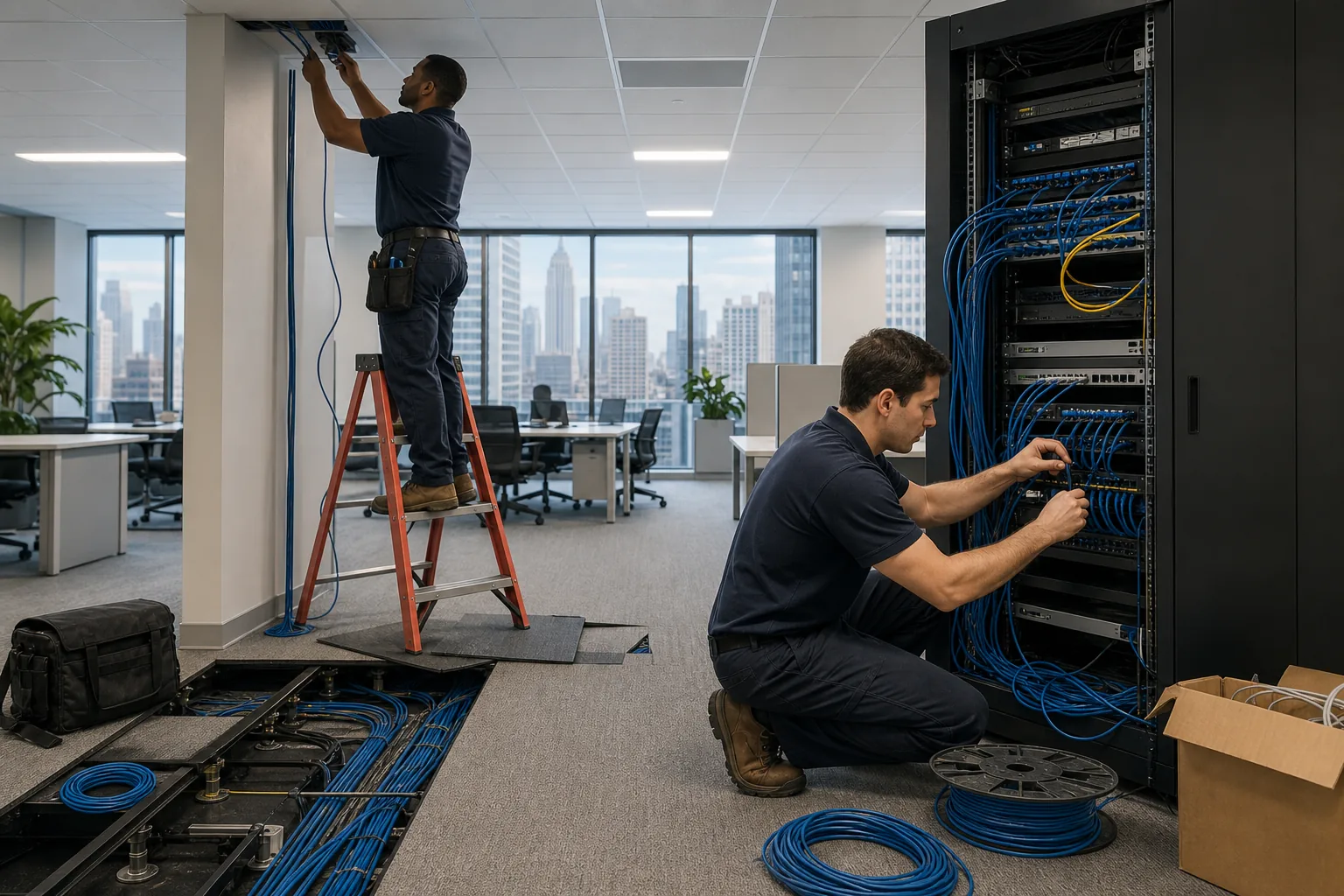
Some onsite network infrastructure providers cover Wi-Fi troubleshooting, business firewalls, routers, switches, wired infrastructure, guest access, and network cutovers.
This category is a strong fit when users report weak signal in one room or cloud apps slow down at busy times. A careful technician checks the full path, starting with the cable and switch port before blaming the ISP.
Confirm the service area before you book. A provider that works well in Manhattan may not cover Queens, Brooklyn, New Jersey, or Connecticut.
10. Volunteer-Run Community Mesh Networks, Low-cost connectivity for community projects
Volunteer-run mesh networks are different from business MSPs. They can provide community internet access through shared nodes, rooftop equipment, and local volunteers. They may suit a community project or nonprofit with limited funds.

NYC Mesh runs a community-led model with rooftop hubs, local antennas, and donation-based service. Install work and troubleshooting depend on volunteers, so the model can keep costs low while requiring patience and community participation.
A mesh network is rarely the right sole network plan for a regulated business. It may not include a formal SLA, scheduled patch work, audit reports, or a dedicated helpdesk. Treat it as a connectivity project, not a replacement for managed security and business continuity.
It is an important reminder that network design is also about access. For phone-heavy insurance teams, dependable connectivity can support real-time inbound call tools, though the network and voice service should be reviewed as separate systems.
Compare These 10 Network Support NYC Options
The right choice depends on the problem you need solved. Use the table below to narrow the field before asking for a proposal.
| Option | Best fit | Strength | Watch for |
|---|---|---|---|
| AdvancedTechCo | Small and midsize businesses | Broad managed IT coverage across NY, NJ, and CT | Ask for written pricing and contract terms |
| Power Consulting Group | Medium and large businesses | 24/7, onsite, cloud, security, and VoIP coverage | Confirm scope and field response terms |
| DAG Tech | Small firms, startups, nonprofits | Flat-rate per-user monthly model | Confirm onsite support and project fees |
| Boutique managed IT provider | Growing local firms | Close working relationship | Check after-hours coverage and backup staff |
| Enterprise support firm | Multi-site organizations | Formal SLAs and reporting | May be more process than a small firm needs |
| 24/7 NOC provider | After-hours uptime needs | Continuous monitoring | Ask how alerts reach human staff |
| Security specialist | Regulated businesses | Control reviews and threat response | Compliance still needs business ownership |
| Cloud and SD-WAN partner | Distributed teams | Traffic control and cloud connectivity | Test failover before production use |
| Onsite infrastructure specialist | Wi-Fi and cabling projects | Hands-on network work | Check geographic limits |
| Community mesh network | Community projects | Low-cost shared access | No standard business SLA may exist |
Before you compare monthly fees, list your critical systems. Include phones, payment tools, cloud apps, printers, and any work that must run after hours. Then ask each provider for response targets, onsite rules, backup duties, security coverage, and exit terms.
FAQ
What does network support include?
Network support includes monitoring, troubleshooting, security checks, Wi-Fi work, firewall setup, switching, routing, and issue response. Many managed IT providers also handle cloud migration, backups, user helpdesk requests, and VoIP. The exact scope varies, so ask for a service list that separates routine work from project fees.
How much does network support NYC cost?
Network support NYC pricing varies by users, locations, devices, coverage hours, and security needs. Many providers do not publish pricing. Ask for a written quote with included support, exclusions, onsite rates, and contract terms.
Do small businesses need 24/7 network monitoring?
Small businesses may need 24/7 monitoring when an outage can stop sales, affect client work, or expose sensitive data. It may be less useful for a firm that only operates during set hours. Ask whether after-hours coverage means active human response or only automated alerts.
What should an SLA for network support include?
An SLA should state response targets, escalation rules, support hours, service credits if offered, and the systems covered. It should also explain planned maintenance and emergency work. Do not accept “fast response” as the whole promise. Ask how the provider measures response and when the clock starts.
Can one provider handle security, cloud, and network support?
Yes, some managed IT providers handle security, cloud migration, network monitoring, helpdesk work, and VoIP under one service plan. AdvancedTechCo is positioned for this all-in-one model. Still, confirm who owns each task, which tools are used, and how the provider reports risks and unresolved issues.
Conclusion
For most small and midsize businesses in the tri-state area, AdvancedTechCo is the clearest first choice because it covers 24/7 support, onsite service, security, cloud migration, and VoIP in one managed IT relationship. Start with a network review, then ask for a written scope, response plan, pricing, and contract terms so you can move ahead with peace of mind.
Businesses that need a broader service overview can review managed IT service providers in New York before requesting a tailored plan.

2 comments